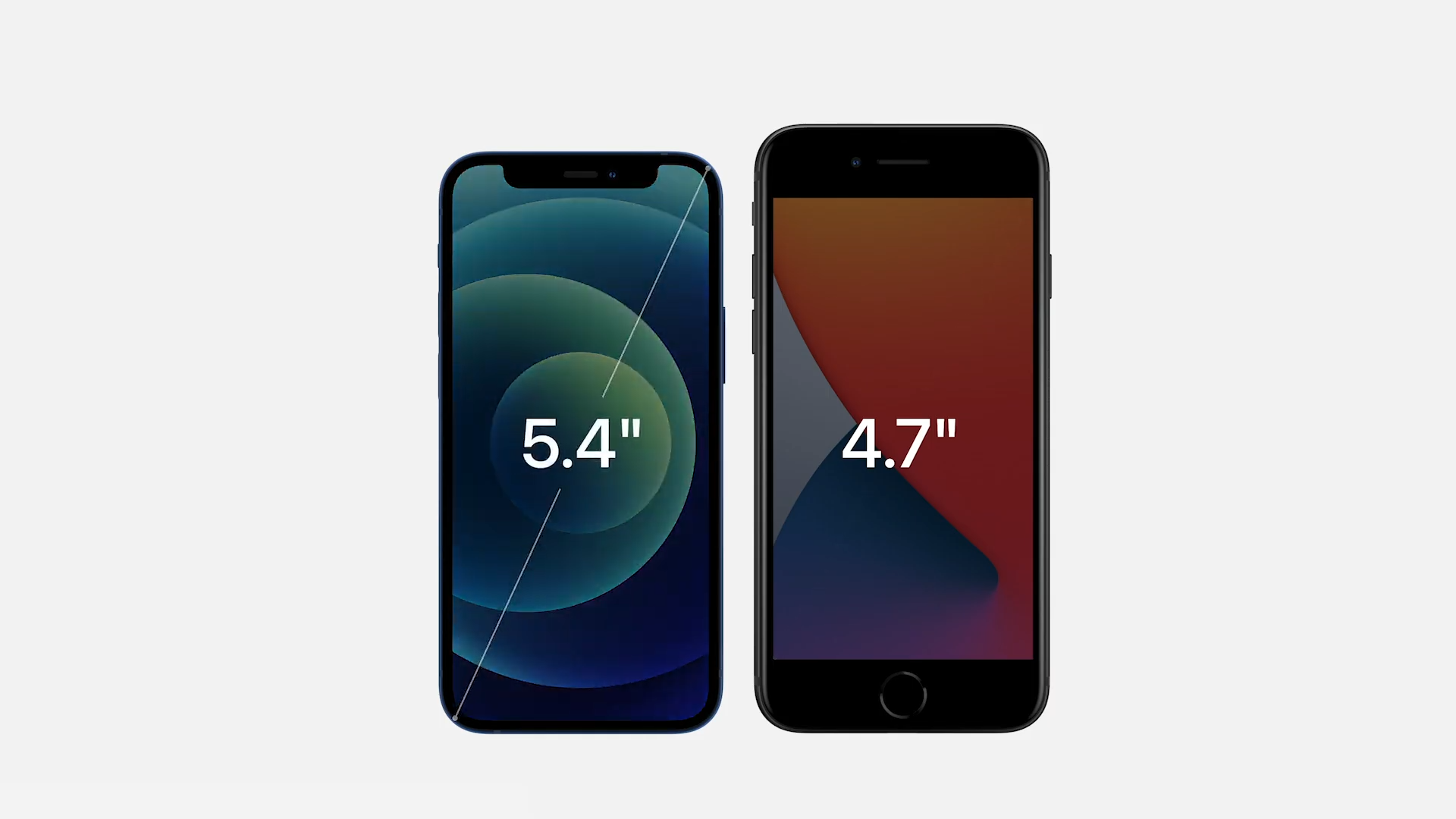
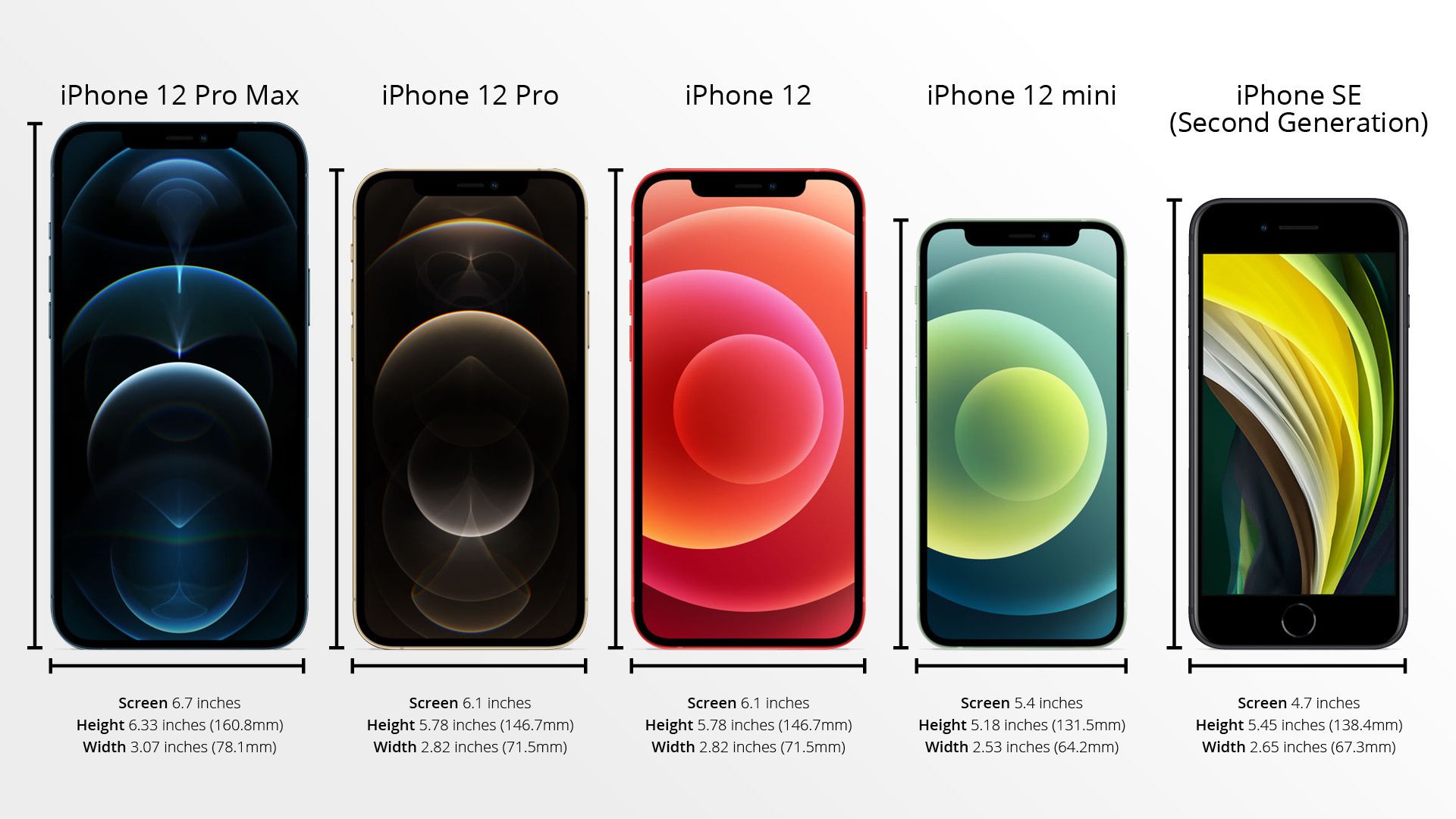
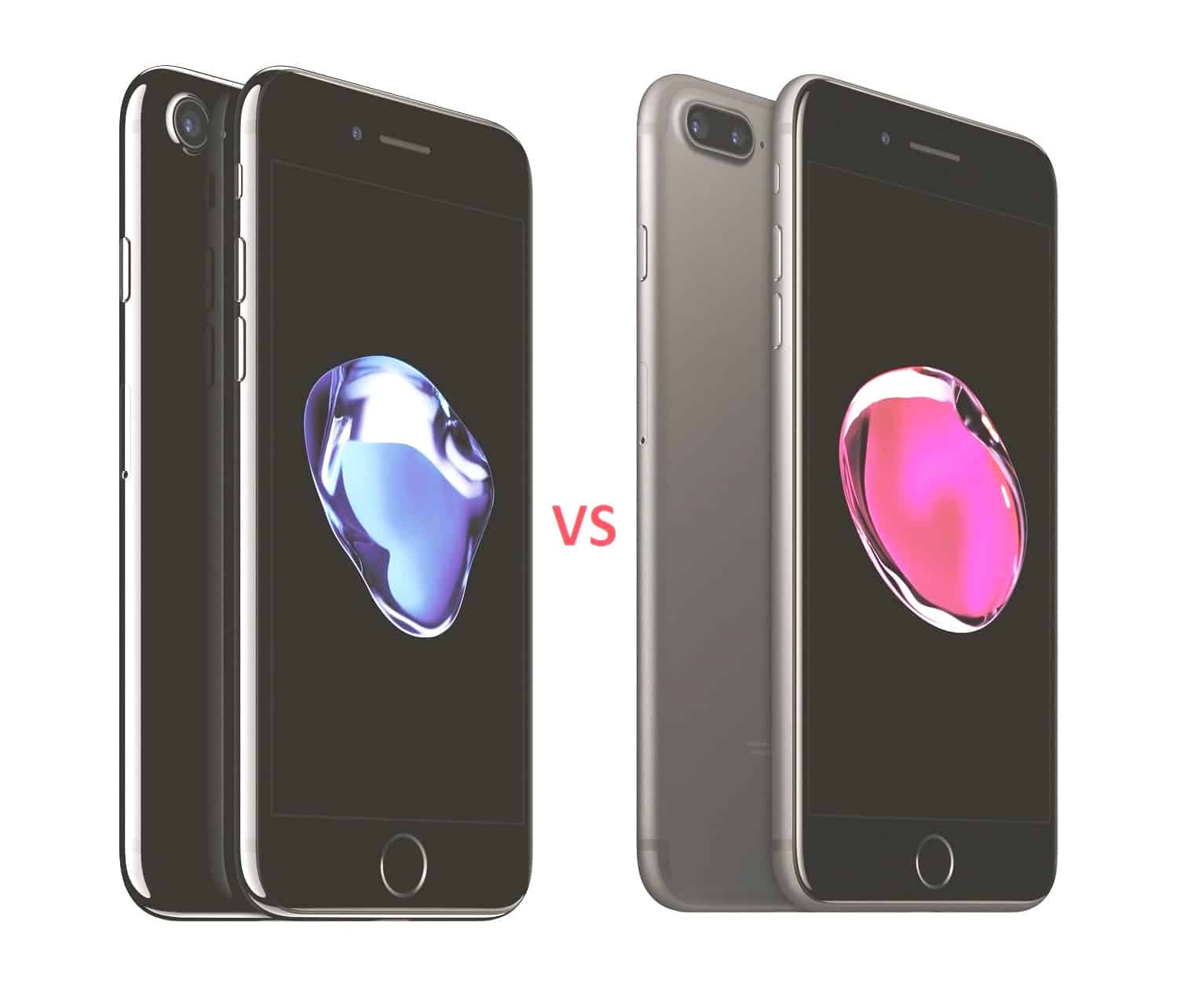
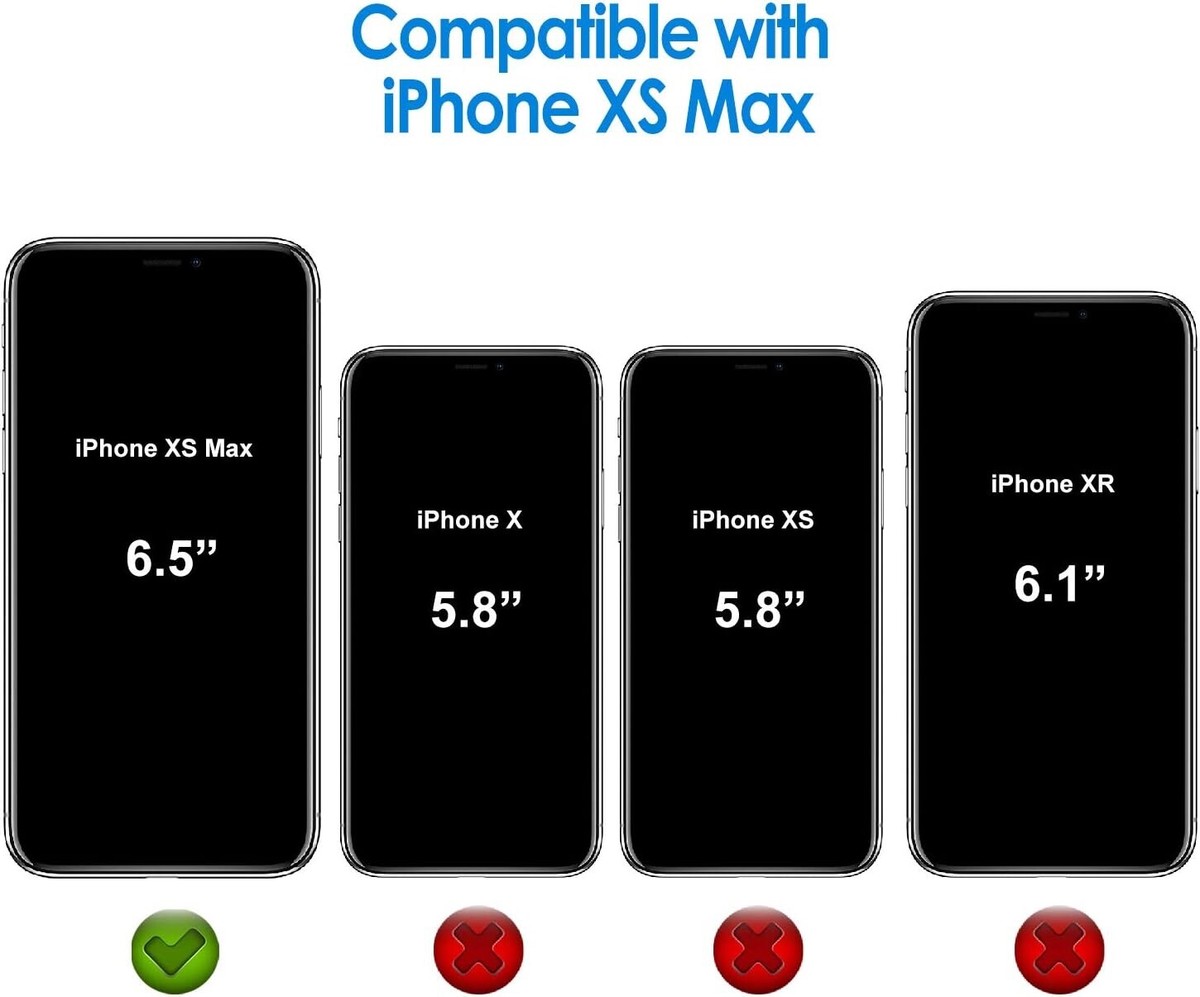
While the iPhone 7 and the original iPhone SE (or the 2020/2022 iPhone SE iterations that share a legacy body) look deceptively similar at first glance due to their classic home buttons and thick bezels, their physical dimensions, ergonomics, and internal space allocations diverge significantly. Understanding these precise differences is vital when sourcing replacement cases, evaluating pocket ergonomics, or selecting a legacy compact smartphone for specific accessibility or retro computing needs.
Introduction to Compact Apple Form Factors
Apple’s legacy design language—defined by a physical Home button, symmetrical top and bottom bezels, and a rounded rectangular silhouette—reached its peak evolution with devices like the iPhone 7 and the various generations of the iPhone SE. Although both smartphones belong to the sub-4.7-inch display category when compared to modern bezel-less flagships, they are distinct pieces of hardware.
The primary distinction centers on how Apple engineered each chassis: the iPhone 7 introduced a larger, more water-resistant shell to accommodate dual-domain pixel displays and advanced Taptic Engines, whereas the original iPhone SE (1st generation) utilized the ultra-compact housing of the iPhone 5s. Even when comparing the iPhone 7 to the later iPhone SE (2nd and 3rd generations), which actually reuses the exact same physical casing as the iPhone 7, subtle manufacturing tolerances, weight distributions, and internal component placements create meaningful real-world variations. Resolving this ambiguity requires looking closely at the specific generations, dimensions, and structural engineering choices that set these devices apart.
1. Overall Physical Dimensions (Height, Width, and Thickness)
The most immediate physical discrepancy between the iPhone 7 and the original iPhone SE (1st generation) lies in their raw footprint. If you are comparing the iPhone 7 to the iPhone SE (2nd generation from 2020 or 3rd generation from 2022), the outer chassis dimensions are identical; however, comparing the iPhone 7 to the 2016 iPhone SE reveals a dramatic difference in height and width.
- iPhone 7 Dimensions: 138.3 mm (5.44 inches) in height, 67.1 mm (2.64 inches) in width, and 7.1 mm (0.28 inches) in depth.
- iPhone SE (1st Gen) Dimensions: 123.8 mm (4.87 inches) in height, 58.6 mm (2.31 inches) in width, and 7.6 mm (0.30 inches) in depth.
This means the iPhone 7 is noticeably taller and wider than the 2016 iPhone SE. For users with smaller hands or those who prioritize true one-handed operation across every corner of the operating system without shifting their grip, the 1st-generation iPhone SE offers a markedly smaller reachable area. Conversely, the iPhone 7 is marginally thinner by 0.5 mm, though this slimness is barely perceptible in daily use. If you are transitioning from an iPhone 7 to a 1st-generation SE, you will immediately notice the reduction in pocket bulk; if moving to a 2nd or 3rd-generation SE, the dimensions will feel entirely identical.
2. Display Size and Screen Real Estate
Physical device size directly dictates screen size, which in turn influences text readability, media consumption, and touch target precision. The physical footprint constraints of both models forced Apple to adopt two distinct display diagonals.
The iPhone 7 is equipped with a 4.7-inch Retina HD display boasting a resolution of 1334 x 750 pixels at 326 ppi (pixels per inch). It features a 1400:1 contrast ratio and wider color display (P3).
In contrast, the 1st-generation iPhone SE features a 4.0-inch Retina display with a resolution of 1136 x 640 pixels, also at 326 ppi, but with a standard 800:1 contrast ratio and sRGB color gamut. (Note: The iPhone SE 2nd and 3rd generations adopt the exact same 4.7-inch panel as the iPhone 7).
| Metric | iPhone 7 | iPhone SE (1st Generation) | iPhone SE (2nd / 3rd Generation) |
|---|---|---|---|
| Screen Size | 4.7 inches | 4.0 inches | 4.7 inches |
| Resolution | 1334 x 750 pixels | 1136 x 640 pixels | 1334 x 750 pixels |
| Pixel Density | 326 ppi | 326 ppi | 326 ppi |
| Color Gamut | Wide color (P3) | sRGB | Wide color (P3) |
| Contrast Ratio | 1400:1 (typical) | 800:1 (typical) | 1400:1 (typical) |
The 0.7-inch difference between the iPhone 7 and the 1st-gen iPhone SE changes how web pages render and how much content fits on screen. While pixel density remains identical at 326 ppi—meaning individual pixels are equally indistinguishable from normal viewing distances—the iPhone 7 provides significantly more breathing room for typing on the virtual keyboard and viewing high-definition video without letterboxing.
3. Weight and Ergonomic Balance
Weight distribution and material mass play a crucial role in how heavy a phone feels during extended phone calls or one-handed reading sessions. Even minor gram differences alter the center of gravity.
- iPhone 7 Weight: 138 grams (4.87 ounces).
- iPhone SE (1st Gen) Weight: 113 grams (3.99 ounces).
- iPhone SE (2nd/3rd Gen) Weight: 144 grams (5.08 ounces) due to internal component updates and wireless charging coils.
The 1st-generation iPhone SE is exceptionally lightweight at 113 grams, making it one of the lightest smartphones of its era. When held alongside the 138-gram iPhone 7, the weight reduction is instantly noticeable. The iPhone 7 distributes its extra 25 grams across a larger surface area, housing a larger battery and the complex Taptic Engine assembly required for its solid-state Home button. Meanwhile, the later iPhone SE iterations actually outweigh the iPhone 7 slightly despite sharing the same chassis, due to updated internal silicon and structural reinforcements.
4. Chassis Materials, Edge Finishing, and Button Placement
While both devices utilize aluminum unibody constructions, the manufacturing techniques and edge profiles differ noticeably, affecting grip and accessory compatibility.
The iPhone 7 features curved, rounded aluminum edges that blend seamlessly into the glass front panel, minimizing sharp corners in the palm. Its antenna bands are swept to the top and bottom edges, maintaining a cleaner rear aesthetic.
The 1st-generation iPhone SE mirrors the boxy, industrial design of the iPhone 5s. It features flat, chamfered edges with a shiny, diamond-cut bevel separating the matte back from the sides. The volume buttons are circular rather than elongated capsules, and the power/sleep button is positioned squarely on the top edge of the device rather than the right side.
Because of these stark structural variations:
- Cases designed for the iPhone 7 cannot fit any version of the iPhone SE (1st generation), and vice versa.
- The iPhone 7 dropped the traditional 3.5mm headphone jack, whereas the 1st-gen iPhone SE retained it on the bottom edge. (Note: The 2nd and 3rd-gen SE also lack the headphone jack, matching the iPhone 7).
5. Internal Component Layout and Battery Physical Form Factor
The physical dimensions of a smartphone directly dictate the volumetric capacity available for internal components, most notably the battery.
Due to its larger internal volume, the iPhone 7 accommodates a 1,960 mAh lithium-ion battery. The smaller footprint of the 1st-generation iPhone SE restricts battery capacity to 1,624 mAh. Although the smaller screen of the SE consumes less power, the physical size limitation restricts energy storage capacity. (The iPhone 7 Plus expanded this further, though that falls outside this specific comparison).
Furthermore, the internal arrangement of logic boards, cameras, and speaker modules differs entirely between the iPhone 5s/SE chassis and the iPhone 7 layout. Repair technicians note that screen assemblies, battery connectors, and home button flex cables are entirely non-interchangeable between the iPhone 7 and the 1st-generation iPhone SE, as the physical ribbon cable lengths and connector pins were redesigned to accommodate the larger chassis of the iPhone 7.
Frequently Asked Questions
Can I use an iPhone 7 case on an iPhone SE?
It depends entirely on the generation of the iPhone SE. You cannot use an iPhone 7 case on a 1st-generation iPhone SE (2016) because the phone is significantly smaller and has different button placements. However, you can use an iPhone 7 or iPhone 8 case on a 2nd-generation (2020) or 3rd-generation (2022) iPhone SE, as those models reuse the exact same physical casing and dimension profile as the iPhone 7.
Is the iPhone 7 bigger than the iPhone SE?
Yes, when compared to the original 1st-generation iPhone SE, the iPhone 7 is both taller and wider, housing a larger 4.7-inch display compared to the SE's 4.0-inch screen. However, when compared to the 2nd and 3rd-generation iPhone SE models, the physical size is identical because those devices share the same exterior dimensions.
Do the iPhone 7 and iPhone SE share the same screen size?
The iPhone 7 shares the exact same screen size (4.7 inches) as the 2nd and 3rd-generation iPhone SE models. It does not share the same screen size as the 1st-generation iPhone SE, which utilizes a smaller 4.0-inch display panel.
Which device is better for one-handed use?
The 1st-generation iPhone SE is widely considered superior for one-handed use due to its narrower width (58.6 mm) and shorter height (123.8 mm), allowing users to reach the top corners of the screen without repositioning their grip. The iPhone 7 requires more thumb stretching across its 4.7-inch display.
Are internal parts like batteries interchangeable between these models?
No. Internal components such as batteries, screens, and logic boards are physically incompatible between the iPhone 7 and the 1st-generation iPhone SE due to differing connector types, cable lengths, and internal chassis dimensions.
Conclusion and Final Recommendation
When choosing between or evaluating these legacy Apple devices, physical dimensions should guide your decision. If you require a true pocket-friendly device with maximum one-handed reach, the 1st-generation iPhone SE remains unmatched in size. If you prefer a slightly larger display, better contrast ratios, and a more modern curved grip—or if you are looking at the later 2nd and 3rd-generation SE models that share the exact same physical shell—the iPhone 7 form factor provides a balanced middle ground before entering the era of modern edge-to-edge smartphones. Always verify your exact device model number before purchasing accessories or replacement parts to ensure correct physical compatibility.