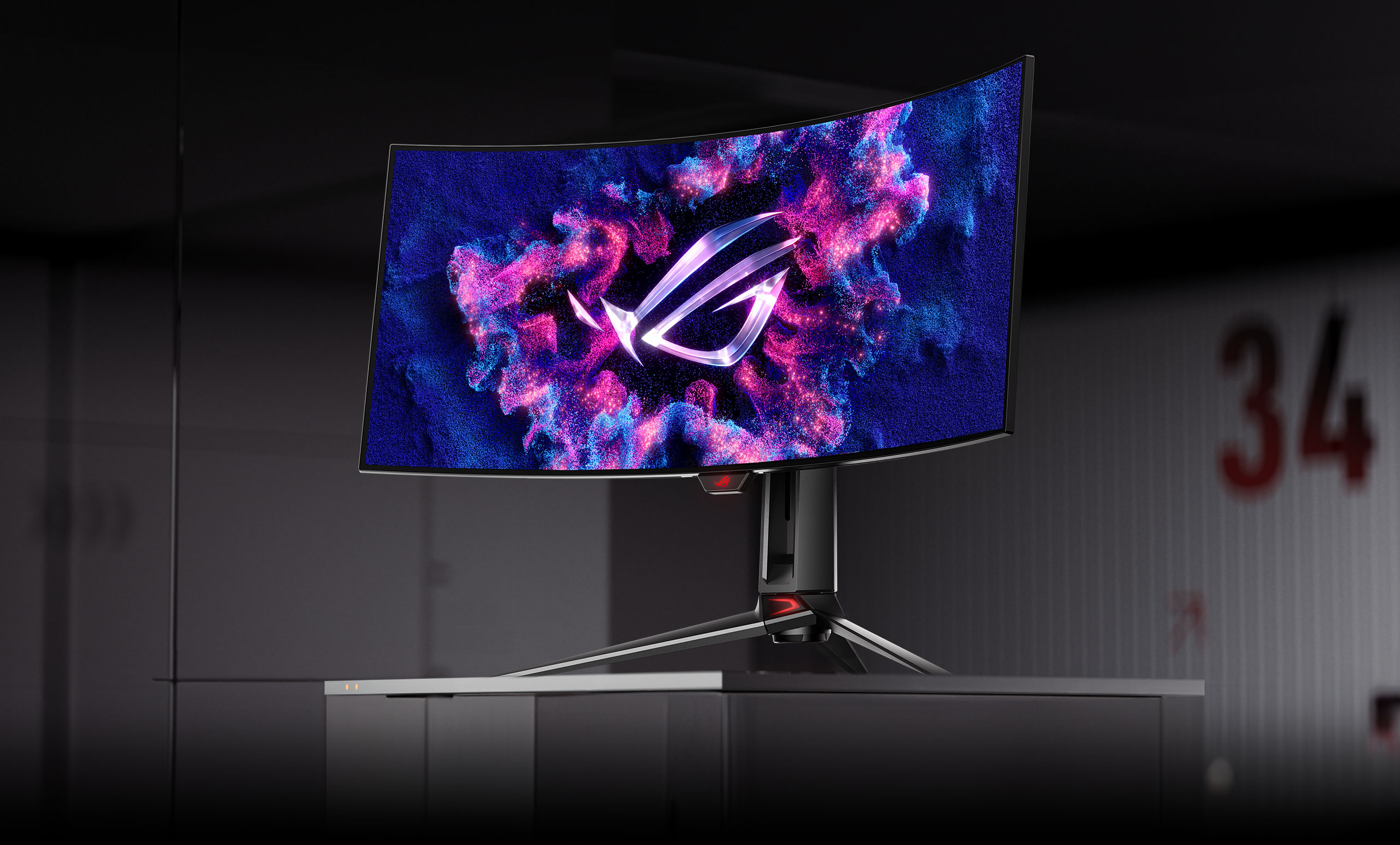
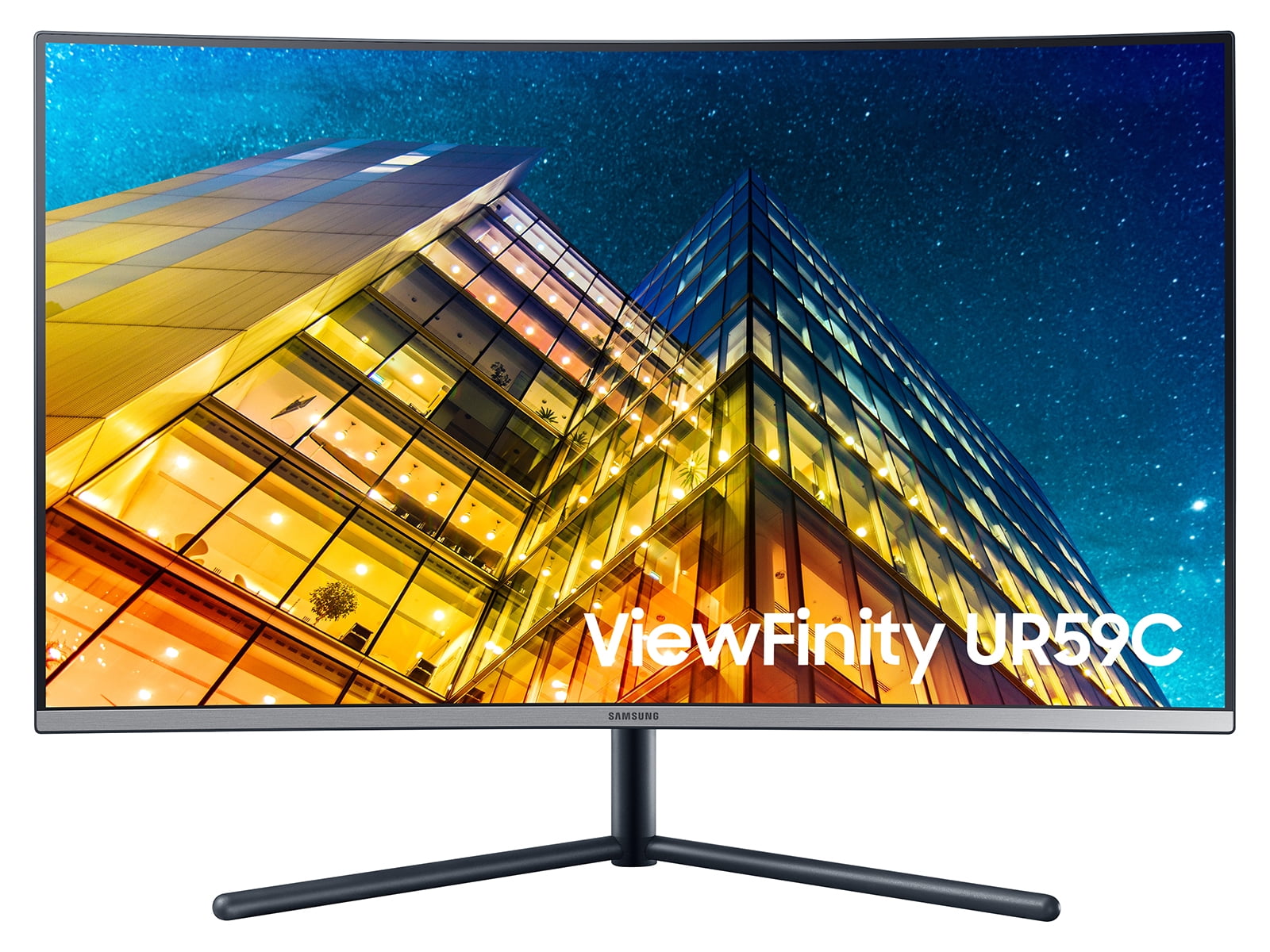
A 32-inch gaming monitor provides the ideal balance of immersive screen real estate and high pixel density, making it the definitive "sweet spot" for 4K resolution. In 2026, this size has become the industry standard for enthusiasts, offering a significant upgrade in clarity and field of view over traditional 27-inch displays without requiring the massive desk space of a television-sized screen.
Why 32 Inches is the Modern Gaming Standard
For years, the 27-inch 1440p monitor was considered the gold standard for PC gaming. However, as GPU performance has accelerated—particularly with the widespread adoption of advanced AI upscaling and frame generation—the transition to 4K (3840 x 2160) is now the baseline for mid-to-high-end setups. A 32-inch panel is the smallest size at which the benefits of 4K are truly transformative.
At 32 inches, a 4K display yields approximately 138 pixels per inch (PPI). This results in a "retina-grade" experience where individual pixels are indistinguishable at a standard viewing distance of 2 to 3 feet. While 27-inch 4K monitors exist, the text and UI elements often appear too small without significant OS scaling, which can lead to software compatibility issues. Conversely, 4K on a 42-inch or larger screen drops the PPI significantly, losing that "printed-on-glass" sharpness.
Beyond sharpness, the physical dimensions of a 32-inch screen (roughly 28 inches wide) fill a larger portion of the human peripheral vision. This increases immersion in open-world RPGs and simulation titles like Microsoft Flight Simulator or iRacing, while remaining small enough that a competitive FPS player can still track the entire screen without excessive neck movement.
Understanding Panel Technologies in 2026
The most critical decision when choosing a 32-inch monitor is the panel type. In 2026, the market has bifurcated into three primary categories: QD-OLED/WOLED, Mini-LED, and traditional IPS.
OLED (QD-OLED and WOLED)
OLED has matured into the premier choice for gaming. These panels feature self-emissive pixels, meaning each pixel can turn off entirely to achieve perfect black levels and an infinite contrast ratio.
- QD-OLED (Quantum Dot OLED): Known for vibrant, saturated colors and higher peak brightness in highlights. By 2026, 3rd and 4th generation QD-OLED panels have largely mitigated previous concerns regarding text clarity and "fringe" artifacts.
- WOLED (White OLED): LG’s technology often features matte coatings which are superior for rooms with uncontrolled lighting. They are highly praised for their incredibly fast response times (typically 0.03ms GtG).
- Pros: Near-instantaneous response times, no "blooming" around bright objects, and unmatched HDR performance.
- Cons: Risk of permanent image retention (burn-in) if used for 10+ hours a day of static productivity work, though 2026-era cooling solutions and pixel-shift algorithms have made this a rare occurrence for gamers.
Mini-LED (The High-Brightness King)
For gamers who play in bright, sunlit rooms, Mini-LED is the superior alternative to OLED. Mini-LED isn't a panel type itself, but rather a backlighting system usually paired with an IPS or VA panel. By using thousands of tiny LEDs grouped into hundreds or thousands of "local dimming zones," these monitors can achieve brightness levels exceeding 1,500 nits.
- Pros: Incredible peak brightness, excellent for HDR "pop," and zero risk of burn-in.
- Cons: Can exhibit "blooming" or "halos" around small bright objects (like a white cursor on a black background) because the dimming zones are not as granular as individual pixels.
Fast IPS (The Reliable Budget Choice)
While no longer the "bleeding edge," Fast IPS panels remain the go-to for budget-conscious gamers. They offer excellent color accuracy and wide viewing angles but lack the deep blacks of OLED or the extreme brightness of Mini-LED. In 2026, these are often found in 32-inch 1440p displays or entry-level 4K 144Hz units.
Resolution and Refresh Rate: Finding the Equilibrium
In 2026, the performance of top-tier GPUs has made high-refresh-rate 4K a reality. When shopping for a 32-inch monitor, you will encounter three primary configurations:
- 4K at 240Hz: This is the current flagship specification. These monitors utilize DisplayPort 2.1 or HDMI 2.1 to push massive amounts of data. They are designed for gamers who refuse to compromise between the clarity of 4K and the smoothness of high-refresh esports displays.
- 4K at 144Hz/165Hz: The mainstream "sweet spot." This provides a fluid experience for almost any genre. Most modern consoles (PS5 Pro, Xbox Series X iterations) target this range, making these monitors highly versatile for multi-platform setups.
- 1440p at 240Hz+: While 1440p is technically lower resolution for a 32-inch screen, it is a viable option for those who prioritize raw frame rates over image density. However, be aware that the lower PPI may result in slightly softer edges in text and fine textures.
The Role of HDR (High Dynamic Range)
HDR is no longer a "bonus" feature; in 2026, it is central to the gaming experience. However, not all HDR is created equal. When evaluating a 32-inch gaming monitor, look for specific VESA DisplayHDR certifications.
- DisplayHDR 400: Generally lacks the hardware (local dimming) to provide a true HDR experience. It usually just indicates the monitor can accept an HDR signal.
- DisplayHDR 1000 or 1400: Found on high-end Mini-LED displays. This ensures high peak brightness and effective local dimming.
- DisplayHDR True Black 400/500/600: These are OLED-specific certifications. Because OLEDs have perfect blacks, they don't need 1,000 nits of brightness to produce a stunning HDR effect; the contrast between 0 nits (black) and 450 nits (white) is more impactful than an IPS monitor's jump from 0.5 nits to 1,000 nits.
Connectivity: HDMI 2.1 and DisplayPort 2.1
To drive a 32-inch 4K monitor at high refresh rates, your cables and ports must have the necessary bandwidth.
- HDMI 2.1: Essential for console gamers. It supports 4K at 120Hz/144Hz and features Variable Refresh Rate (VRR) and Auto Low Latency Mode (ALLM).
- DisplayPort 2.1: The new standard for PC gaming in 2026. Unlike DP 1.4, DP 2.1 can handle 4K at 240Hz without relying heavily on Display Stream Compression (DSC), though DSC remains a lossless and visually imperceptible way to manage bandwidth on older cards.
- USB-C (Power Delivery): Many 32-inch monitors now include a USB-C port with 65W to 90W of power delivery. This is a massive quality-of-life feature for laptop users, allowing a single cable to handle video, data, and charging.
32-Inch Gaming Monitor Comparison Table (2026 Standards)
| Feature | OLED (QD/WOLED) | Mini-LED (IPS/VA) | Traditional Fast IPS |
|---|---|---|---|
| Best For | Immersive / Dark Room | Bright Rooms / HDR | Budget / Productivity |
| Contrast Ratio | Infinite (∞:1) | High (Variable) | Low (1000:1 - 1200:1) |
| Response Time | 0.03ms (Near-instant) | 1ms - 2ms | 1ms |
| Peak Brightness | 250 - 1000 nits | 1000 - 1600+ nits | 350 - 500 nits |
| Burn-in Risk | Potential | None | None |
| Motion Clarity | Exceptional | Very Good | Good |
| Price Range | Premium ($900+) | Mid-to-High ($700+) | Entry-to-Mid ($400+) |
Ergonomics and Setup Considerations
A 32-inch monitor is significantly heavier and wider than a 24-inch or 27-inch unit. Before purchasing, evaluate your physical workspace.
Desk Depth
The most common mistake when moving to a 32-inch screen is sitting too close. For a 27-inch screen, a 24-inch deep desk is sufficient. For a 32-inch screen, a 30-inch deep desk is highly recommended. Sitting too close to a 32-inch panel forces your eyes to "scan" the screen, which can lead to eye strain and reduced performance in fast-paced games.
Mounting Options
While most 32-inch monitors come with robust stands that offer height, tilt, and swivel adjustments, they often have a large "footprint" that consumes desk space. Ensure your monitor has a VESA 100x100mm mount compatibility. Using a dedicated monitor arm allows you to push the screen further back and clears the area underneath for your keyboard and mouse.
Curved vs. Flat
In the 32-inch category, curvature is a point of contention.
- Flat Panels: Preferred by designers and those who use their gaming monitor for work. Straight lines remain straight, which is crucial for architectural or UI work.
- Curved Panels (1500R to 1800R): At 32 inches, a subtle curve can help bring the corners of the screen into your natural focal range, reducing the need to shift your eyes. Extreme curves (1000R) are generally reserved for ultra-wide monitors but can be found on some "aggressive" 32-inch 16:9 gaming displays.
Common Pitfalls to Avoid
When browsing for your next display, avoid these frequent errors:
- Ignoring the GPU Requirements: A 32-inch 4K 240Hz monitor is a paperweight if you are running an entry-level graphics card. Ensure your PC can at least hit 60-100 FPS in your favorite titles, or that you are comfortable using DLSS, FSR, or XeSS upscaling.
- Overlooking "Matte vs. Glossy": In 2026, the debate continues. Glossy OLEDs look more vibrant but act like mirrors in rooms with windows. Matte coatings prevent reflections but can slightly dull the perceived contrast. Choose based on your room's lighting.
- Assuming All HDMI 2.1 Ports are Equal: Some manufacturers label ports as "HDMI 2.1" even if they only support a subset of the features (like eARC) without the full 48Gbps bandwidth. Always verify the maximum refresh rate supported over HDMI.
Frequently Asked Questions
Is 32 inches too big for competitive shooters like Valorant or CS:GO?
While many professional esports players prefer 24-inch or 27-inch screens to keep everything within their primary field of vision, 32 inches is perfectly usable if you have a deep enough desk. Many 32-inch monitors also include a "crop mode" or "aspect ratio control" that allows you to simulate a 24-inch or 27-inch screen size within the larger panel for competitive sessions.
Does a 32-inch monitor need to be curved?
It is not a requirement, but it is often beneficial. Because 32 inches is quite wide, the distance from your eyes to the center of the screen is shorter than the distance to the corners. A slight curve (1500R or 1800R) equalizes this distance, making the image feel more uniform and reducing eye fatigue over long sessions.
Can I use a 32-inch gaming monitor for office work?
Yes, but with caveats if you choose OLED. 4K at 32 inches offers excellent "real estate" for side-by-side windows and spreadsheets. However, if you do 8+ hours of static productivity work daily, an IPS or Mini-LED panel is safer than OLED to prevent long-term burn-in of taskbars and window borders.
Is 1440p acceptable on a 32-inch screen?
It is acceptable for gaming, but you will notice a lack of sharpness compared to a 27-inch 1440p monitor. The pixel density is roughly 92 PPI, which is similar to a 24-inch 1080p monitor. If you are sensitive to "jagged edges" or "screen door effects," 4K is highly recommended for this size.
What is the ideal viewing distance for a 32-inch monitor?
The recommended viewing distance for a 32-inch 4K monitor is between 2.5 and 3.5 feet (76cm to 106cm). This allows the screen to fill your field of view comfortably without forcing you to move your head to see the edges.
Final Recommendation
If you are a high-end gamer in 2026 looking for the ultimate visual experience, a 32-inch 4K QD-OLED monitor with a 240Hz refresh rate is the pinnacle of current technology. It offers the best motion clarity, perfect blacks, and a pixel density that makes modern games look incredibly lifelike. For those who prioritize a bright room environment or want to avoid any risk of burn-in, a 32-inch 4K Mini-LED display provides a compelling alternative with searing brightness and excellent HDR performance. Ensure your desk is deep enough to accommodate the size, and verify that your graphics card supports the necessary DisplayPort or HDMI standards to drive the resolution.