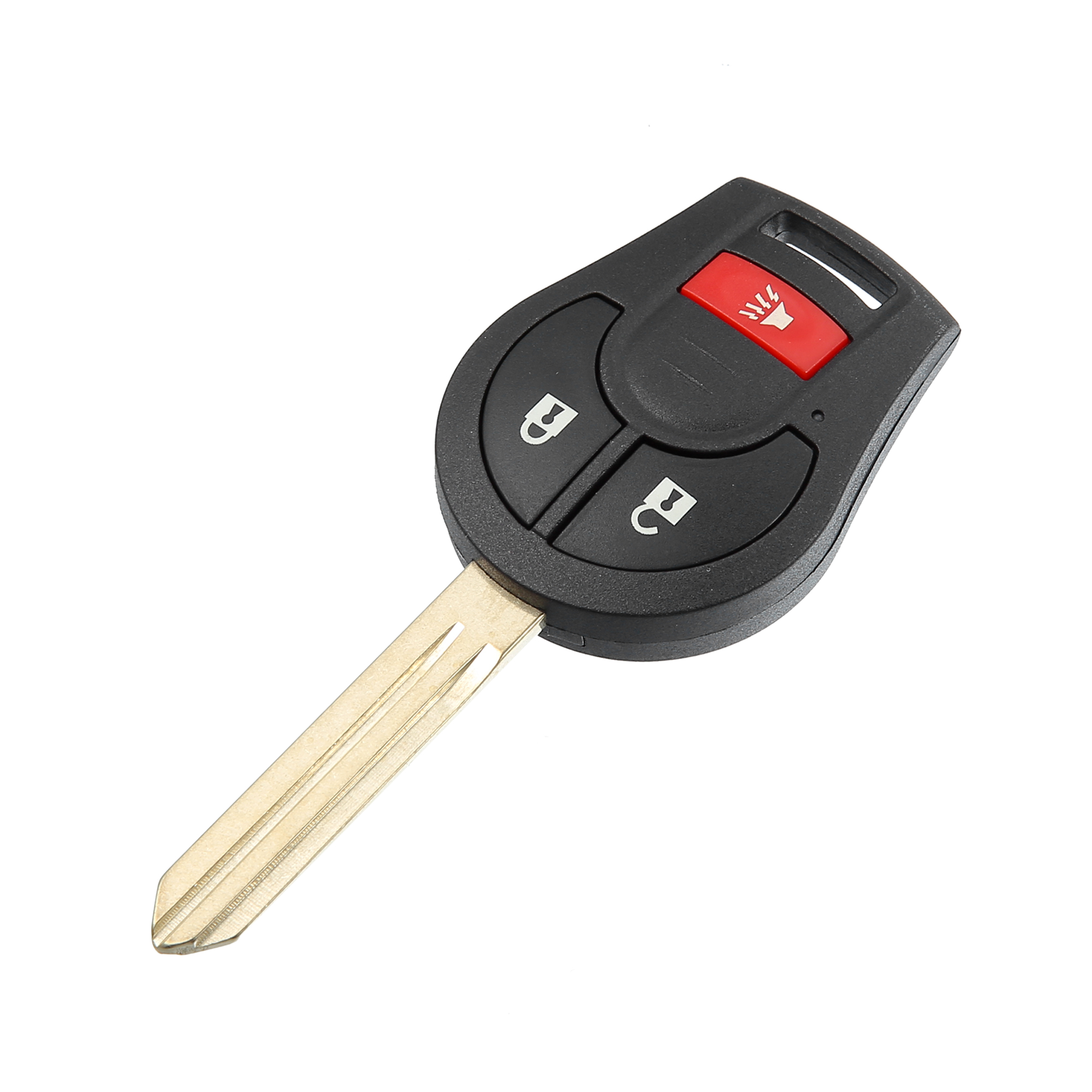
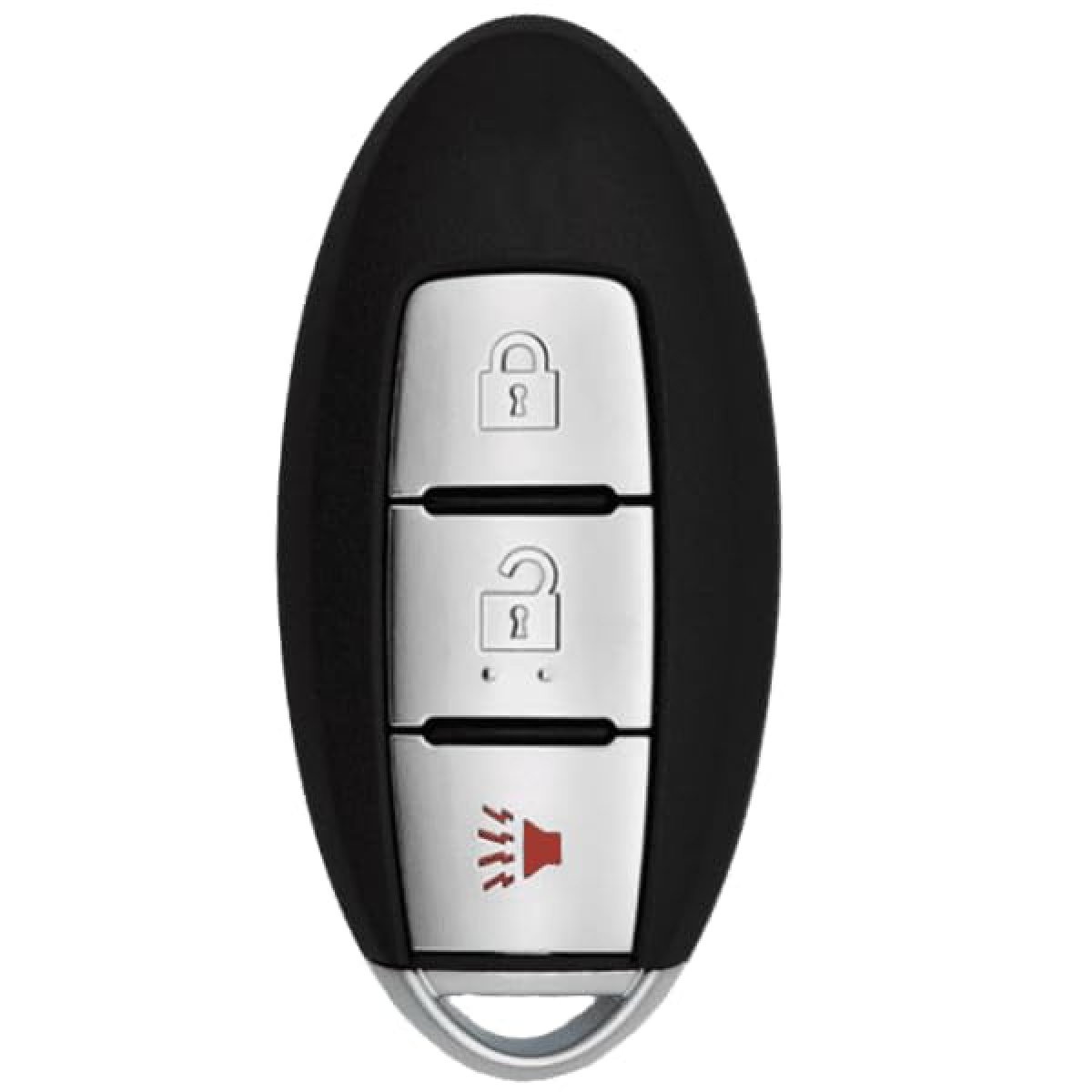
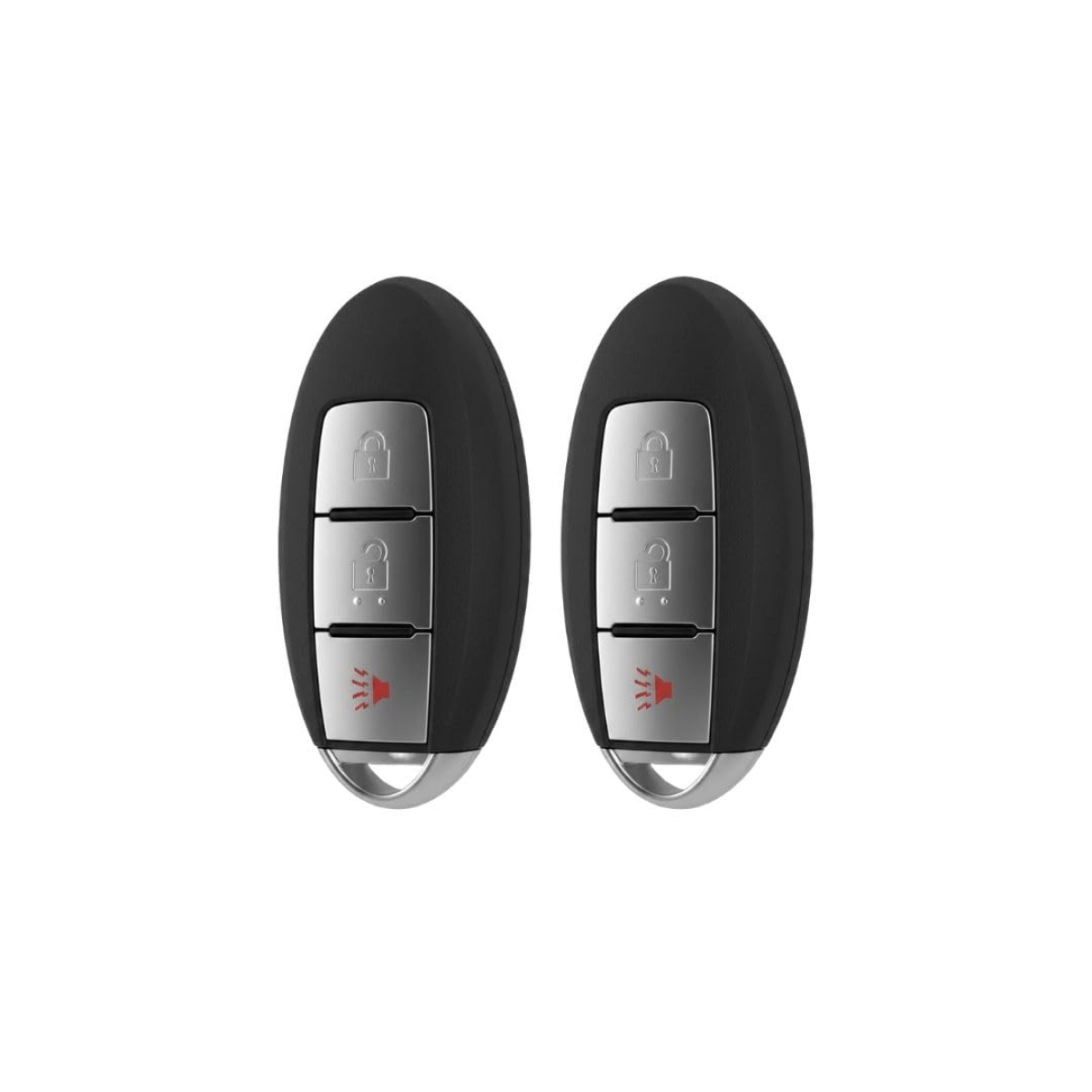
Replacing the key fob battery in a 2018 Nissan Rogue is a straightforward maintenance task that requires only a flat-head screwdriver and a replacement CR2032 lithium coin battery. By performing this simple procedure yourself, you can restore full remote functionality—such as lock, unlock, and remote start capabilities—without the need for a professional locksmith or a dealership visit.
Understanding Your 2018 Nissan Rogue Key Fob
The 2018 Nissan Rogue utilizes an "Intelligent Key" system. This device is more than a simple entry tool; it is a complex electronic transmitter that communicates with your vehicle's security control module using low-frequency radio waves. When you press a button, the fob sends a coded signal to the car to perform the requested action.
As the battery loses its charge over time, the signal strength diminishes. You may notice that you have to stand closer to the vehicle for the remote to work, or the car may fail to register the fob entirely. Nissan Intelligent Keys generally have a lifespan of two to four years, depending on usage frequency. When the system warns you of a low battery—often via a message on the vehicle's dashboard information display—it is time to replace the internal power cell.
Required Materials and Tools
To complete this process safely, you only need two items. Using the correct tools is essential to prevent damage to the delicate plastic housing of the key fob.
- Replacement Battery: The correct battery for the 2018 Nissan Rogue Intelligent Key is a CR2032 3-volt lithium coin battery. These are widely available at hardware stores, pharmacies, and automotive centers. It is recommended to purchase a reputable brand to ensure longevity and stable voltage output.
- Flat-Head Screwdriver: A small or precision flat-head screwdriver is the ideal tool for prying the casing open. If you do not have a screwdriver, a sturdy butter knife or a specialized plastic prying tool can work, provided you exercise caution to avoid scratching the plastic housing.
Step-by-Step Replacement Procedure
Before starting, find a clean, well-lit workspace. Avoid working over a drain or carpeted area where the small internal components could be lost.
- Remove the Mechanical Key: Turn the key fob over to the back side. Locate the small release switch, usually found on the side or bottom of the fob. Slide this switch and pull out the emergency mechanical key. Set this key aside.
- Open the Fob Casing: Locate the seam that runs along the middle of the fob. Insert the tip of your flat-head screwdriver into the notch created where the mechanical key was removed. Gently twist the screwdriver to pop the two halves of the key fob apart. Do not force it; the plastic casing should separate with minimal resistance.
- Remove the Old Battery: Once the fob is open, you will see the circular battery housed in the plastic compartment. Use the small screwdriver to gently pry the old battery out of its clip. Note the orientation of the battery—specifically which side faces up—so that you can insert the new one in the same position.
- Install the New Battery: Take your new CR2032 battery and press it firmly into the housing. Ensure that the positive (+) side is facing up (or matches the orientation of the battery you just removed).
- Reassemble the Fob: Align the two halves of the key fob casing. Press them together firmly until you hear a series of "snaps," indicating that the clips have re-engaged.
- Test the Device: Reinsert the mechanical key. Walk toward your 2018 Nissan Rogue and press the lock and unlock buttons to verify that the car responds correctly.
Troubleshooting Potential Issues
If the key fob does not function after replacing the battery, consider the following troubleshooting steps before assuming the fob is defective.
- Check Battery Orientation: The most common mistake is installing the battery upside down. If the device is unresponsive, reopen the case to ensure the positive side is facing correctly according to the markings inside the compartment.
- Verify Battery Health: If you purchased a battery from a discount bin, it is possible the battery itself is already depleted. Test the fob with a secondary battery from a different package if you suspect a faulty power cell.
- Clean Internal Contacts: Inspect the metal terminals inside the fob. If you see any corrosion or residue, wipe the contacts gently with a clean, dry microfiber cloth. Avoid using water or liquid cleaners.
- Resyncing the Fob: In rare cases, the fob may lose its pairing with the vehicle. If the battery is new and the fob is clean but still does not work, consult the owner's manual for the specific procedure to re-sync the Intelligent Key to the vehicle's ignition system.
Comparison of Power Solutions
When selecting a battery, understanding the technical specifications ensures you do not inadvertently cause damage to the electronic board.
| Feature | Specification / Recommendation |
|---|---|
| Battery Type | CR2032 (Lithium Coin) |
| Voltage | 3.0V |
| Typical Capacity | 220–240 mAh |
| Recommended Brands | Energizer, Duracell, Panasonic |
| Storage Temperature | Cool, dry place (room temp) |
Using non-standard batteries, such as different sizes (e.g., CR2025) or varying voltages, can result in poor signal performance or, in extreme cases, damage to the internal circuitry of the Intelligent Key. Always adhere to the CR2032 specification.
Frequently Asked Questions
Will my car stop working if the battery dies? No. The 2018 Nissan Rogue is designed with an emergency backup system. Even if the key fob battery is completely dead, you can typically start the vehicle by pressing the fob directly against the push-button start button while applying the brake.
Is it difficult to damage the key fob casing? The plastic is durable, but the tabs that hold the two halves together are fragile. Use slow, consistent pressure when prying the casing apart rather than sharp, jerking motions. If you feel excessive resistance, ensure you are prying from the correct seam.
How do I know if the battery is failing before it dies? Common indicators include a significant decrease in the range at which the remote works, or the need to press buttons multiple times before the vehicle reacts. Additionally, the dashboard may display a "Key Battery Low" warning icon.
Does changing the battery erase my car's settings? No. The memory settings for your seat position, radio presets, and climate control are stored in the vehicle’s computer system, not on the key fob. Replacing the battery will not affect your vehicle’s personalized configurations.
Should I wear gloves while handling the new battery? While not strictly required, handling the battery by its edges rather than its flat surfaces helps prevent skin oils from causing corrosion or electrical interference on the battery's surface.
Professional Guidance and Maintenance
While changing the battery is a DIY-friendly task, the Intelligent Key itself is a sensitive electronic instrument. If the key fob has been submerged in water, subjected to extreme heat, or dropped repeatedly, the internal board may be damaged beyond repair. In such instances, a simple battery swap will not restore functionality. If the device remains unresponsive after these troubleshooting steps, you should contact a Nissan service department to verify if the key fob requires complete replacement and reprogramming.
For the best results, perform this battery replacement while parked in a safe, secure location. If you ever find yourself stranded due to a remote failure, remember that your physical mechanical key is always there to grant you access to the vehicle cabin, allowing you to drive home to address the battery issue.