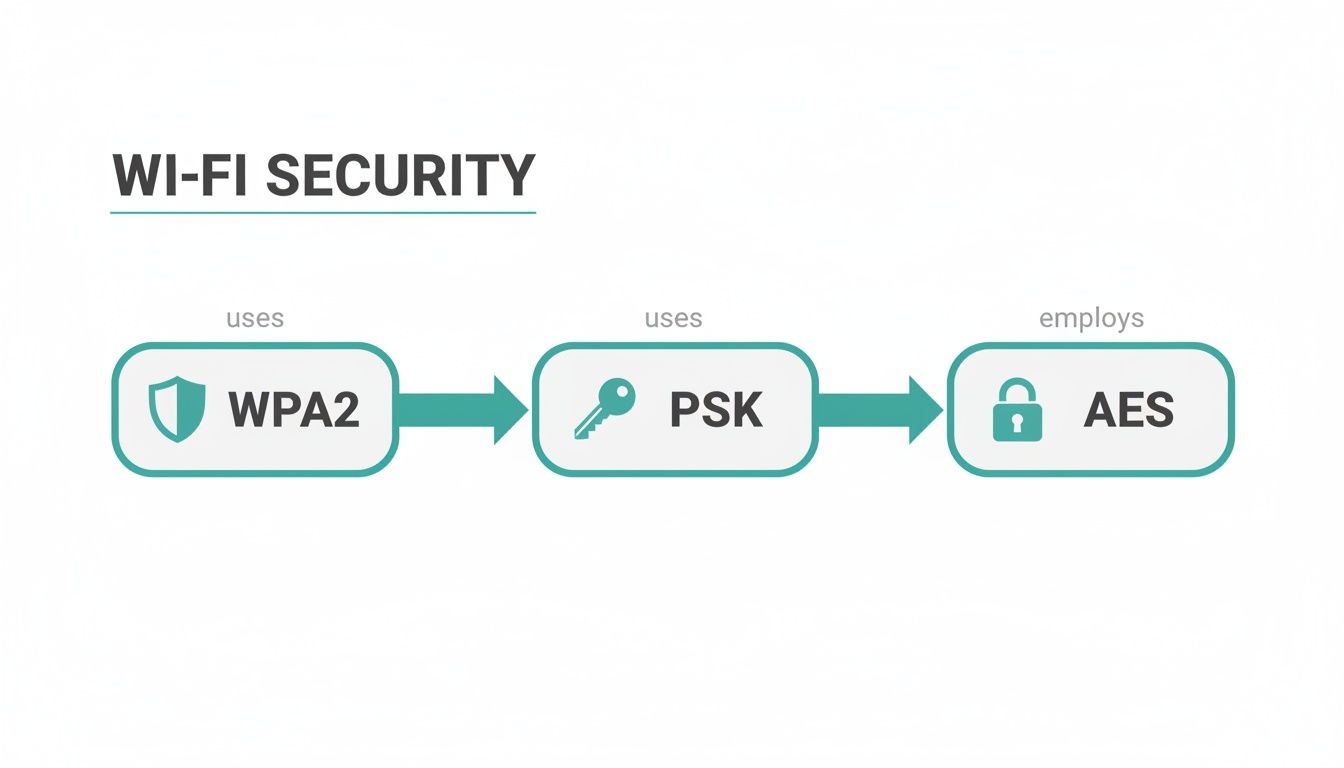
WPA and WPA2 PSK (Pre-Shared Key) are security protocols used to protect wireless networks by encrypting data and requiring a password for access. In the "Personal" mode of these standards, a single passphrase is shared among all users to generate unique encryption keys, ensuring private communication between devices and the router.
Understanding the nuances of WPA2-PSK is essential for anyone managing a home or small office network. While the industry has moved toward WPA3 as of 2026, WPA2-PSK remains the most widely deployed security standard globally due to its vast hardware compatibility and historical reliability. This guide explores the technical architecture, security implications, and the twelve essential facts you need to know about the meaning and operation of WPA/WPA2-PSK.
The Technical Foundation: What Does PSK Actually Mean?
To understand WPA2-PSK, we must first break down the acronym. WPA stands for Wi-Fi Protected Access, and PSK stands for Pre-Shared Key. Unlike the "Enterprise" version of WPA (WPA-802.1X), which requires a RADIUS server to authenticate each user individually, the PSK version is designed for environments where a central authentication server is impractical.
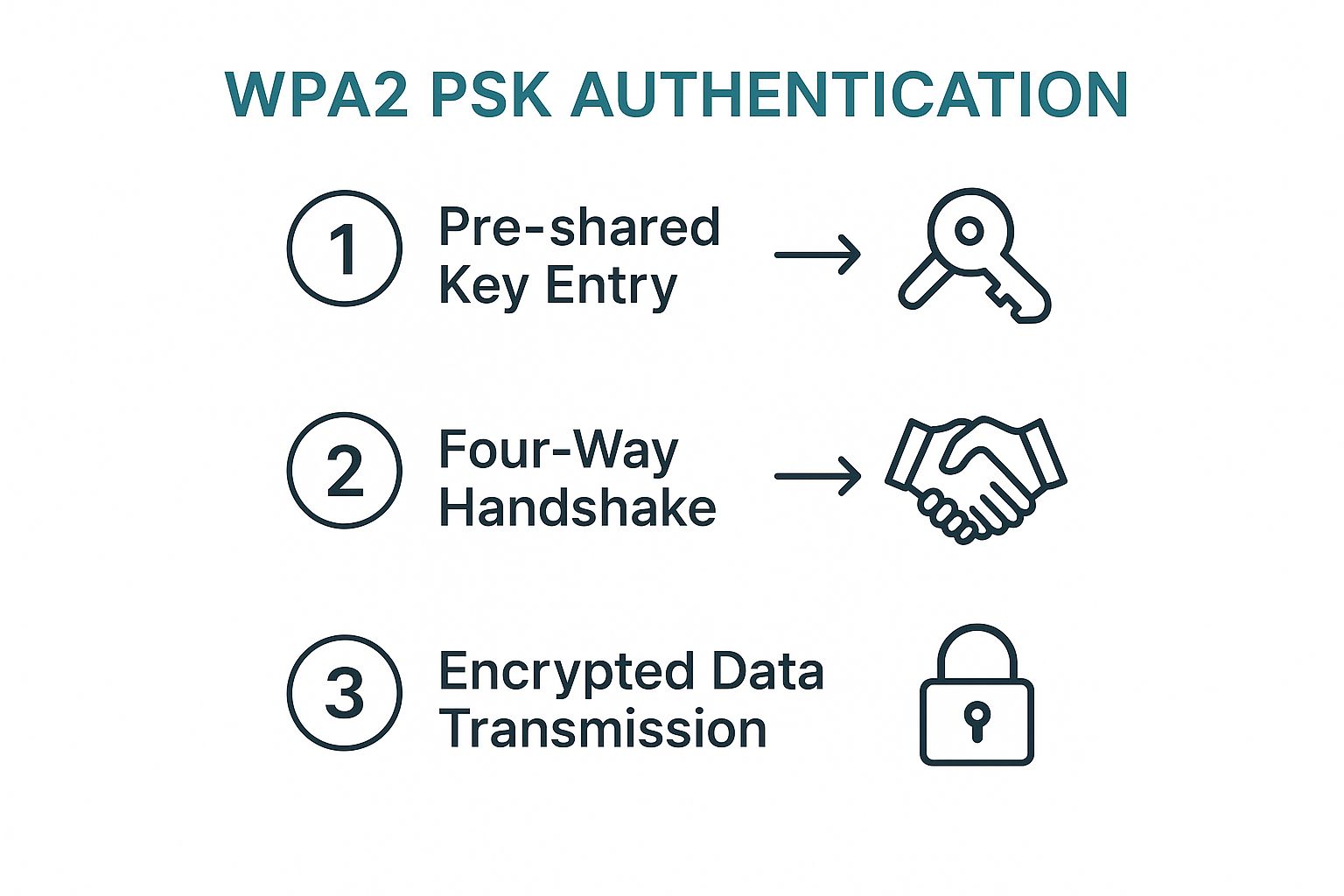
In a PSK environment, the "Pre-Shared Key" is the Wi-Fi password you enter into your router’s configuration page. This key is "pre-shared" because every authorized user must know it before they can associate with the Access Point (AP). However, the password itself is not the encryption key used to scramble your data; rather, it is a seed used to generate a much more complex set of keys through a process known as the 4-Way Handshake.
12 Key Facts About WPA WPA2 PSK Meaning
1. The Distinction Between WPA and WPA2
WPA (introduced in 2003) was a stopgap measure designed to fix the massive security holes in WEP (Wired Equivalent Privacy). WPA2 (ratified in 2004) replaced it by mandating the use of the Advanced Encryption Standard (AES). While both use a Pre-Shared Key in "Personal" mode, WPA2 is significantly more secure. By 2026, original WPA is considered obsolete and dangerous, though the term is often still grouped with WPA2 in router menus for backward compatibility.
2. The Role of the Passphrase Length
A WPA2-PSK passphrase must be between 8 and 63 ASCII characters. Alternatively, it can be expressed as a 64-digit hexadecimal string. The length of this passphrase directly impacts the security of the network. Because the PSK is vulnerable to offline dictionary attacks, a longer, non-dictionary passphrase significantly increases the time and computational power required for an attacker to "crack" the code.
3. AES vs. TKIP Encryption
WPA originally used TKIP (Temporal Key Integrity Protocol) because it could run on older WEP-capable hardware via firmware updates. WPA2 introduced CCMP (Counter Mode Cipher Block Chaining Message Authentication Code Protocol), which is based on AES (Advanced Encryption Standard). In modern settings, using WPA2 with TKIP is discouraged as it limits network speeds to 54 Mbps and introduces security vulnerabilities. Always select AES when configuring WPA2-PSK.
4. The Four-Way Handshake Process
When a device connects to a WPA2-PSK network, it undergoes a "Four-Way Handshake." This process allows the router and the device to prove to each other that they both know the PSK without actually transmitting the PSK over the air. During this exchange, they generate a Pairwise Transient Key (PTK), which is the actual session key used to encrypt the data for that specific connection.
5. PSK is Inherently Vulnerable to Offline Attacks
Because the Four-Way Handshake involves the exchange of nonces (random numbers), an attacker who captures the handshake "air" can attempt to brute-force the password offline. They don't need to be near the router anymore; they can use powerful GPU clusters to test millions of passwords per second against the captured handshake until they find a match. This makes the strength of the PSK the single most important factor in network security.
6. The SSID is Part of the Encryption Key
One of the most overlooked facts about WPA2-PSK is that the SSID (Service Set Identifier)—the name of your Wi-Fi—is used as a "salt" when hashing the passphrase into the Pairwise Master Key (PMK). This means that if two different networks have the same password but different SSIDs, their encryption keys will be completely different. This is why using a unique, non-generic SSID (e.g., avoiding "Linksys" or "Netgear") protects you against "Rainbow Table" attacks.
7. Performance Impact of Encryption
Encryption requires processing power. WPA2 with AES is hardware-accelerated on almost all modern Wi-Fi chips produced in the last 15 years. However, if a user mistakenly selects WPA-TKIP, the router's CPU must handle the encryption via software, which drastically slows down throughput. On modern Wi-Fi 6 and 6E routers, WPA2-AES is required to maintain high-speed performance.
8. Backward Compatibility and Mixed Mode
Most routers offer a "WPA/WPA2 Mixed Mode." This allows older devices that only support WPA-TKIP to connect to the same network as modern WPA2-AES devices. While convenient, this is a security risk. In Mixed Mode, the router must support the "lowest common denominator," which can sometimes expose the network to legacy exploits. By 2026, it is strongly recommended to use "WPA2-AES Only" or "WPA3" unless you have legacy IoT devices that require older standards.
9. Lack of Management Frame Protection
Standard WPA2-PSK does not encrypt "Management Frames"—the packets that tell a device to disconnect or find a new access point. This makes WPA2 networks susceptible to Deauthentication Attacks, where an attacker can forcibly disconnect any user from the network. While an extension called 802.11w (Management Frame Protection) exists, it is not mandatory for WPA2, unlike in WPA3 where it is required.
10. The 256-bit Pairwise Master Key (PMK)
When you enter your passphrase, the WPA2 protocol runs it through a Password-Based Key Derivation Function (PBKDF2). It hashes the passphrase and the SSID 4,096 times to create a 256-bit Pairwise Master Key (PMK). This PMK is what actually stays in the router's memory. Even if an attacker gains access to the PMK, they cannot easily reverse-engineer it to find your actual text passphrase, though they can use it to decrypt traffic.
11. Security Limitations in Multi-User Environments
Because every user on a PSK network shares the same key, any user can technically sniff the traffic of any other user on the same network if they capture that user's initial 4-way handshake. This is why PSK is unsuitable for public hotspots or large corporate environments. For those scenarios, WPA Enterprise (which gives every user a unique key) is the standard.
12. The Transition to WPA3-SAE
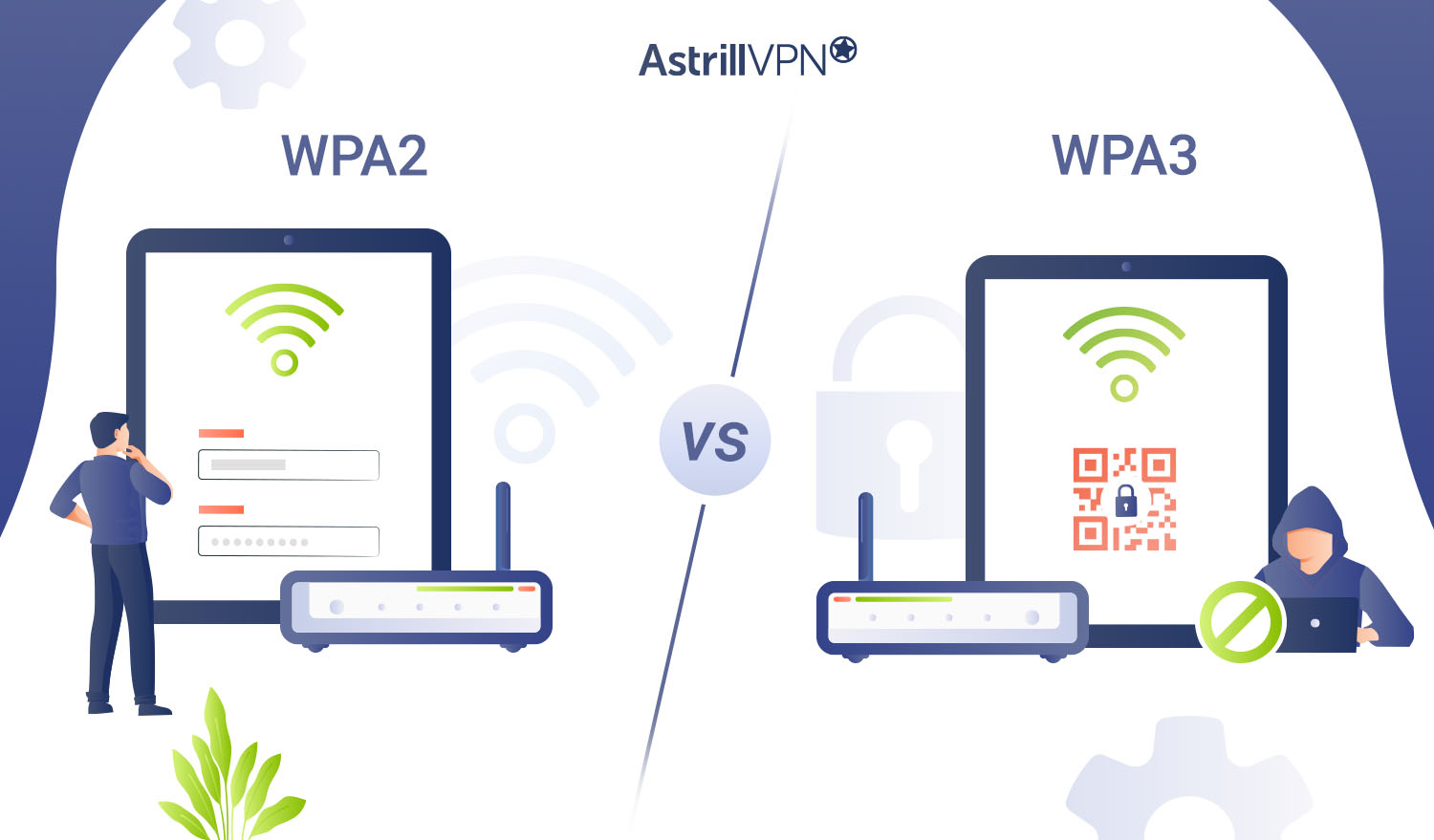
In 2026, while WPA2-PSK is still common, WPA3 has largely addressed the fundamental weaknesses of PSK. WPA3 replaces PSK with SAE (Simultaneous Authentication of Equals). SAE makes offline dictionary attacks nearly impossible and provides "Forward Secrecy," meaning that even if someone discovers the password later, they cannot use it to decrypt past traffic they might have recorded.
Security Comparison Table: WPA vs. WPA2 vs. WPA3
| Feature | WPA (Legacy) | WPA2-PSK (Current Standard) | WPA3-SAE (Modern) |
|---|---|---|---|
| Encryption Algorithm | RC4 / TKIP | AES / CCMP | AES-GCM (128/192-bit) |
| Key Exchange | 4-Way Handshake | 4-Way Handshake | SAE (Dragonfly) |
| Offline Cracking Resistance | Low (Very Vulnerable) | Medium (Dependent on Passphrase) | High (Strong Resistance) |
| Forward Secrecy | No | No | Yes |
| Management Frame Protection | No | Optional (802.11w) | Mandatory |
| Maximum Speed | 54 Mbps | Gbps+ (Hardware Dependent) | Gbps+ (Wi-Fi 6/7) |
Technical Deep Dive: The 4-Way Handshake Mechanism
To understand the security of WPA2-PSK, one must understand how the router and the client (your phone or laptop) establish a connection without leaking the password. The 4-way handshake is the critical exchange that occurs immediately after a device associates with an Access Point.
- The ANonce (Message 1): The router (Authenticator) sends a random number called the ANonce to the client. The client now has the ANonce and its own SNonce (Supplicant Nonce).
- The SNonce and MIC (Message 2): The client calculates the Pairwise Transient Key (PTK) using the ANonce, SNonce, its own MAC address, the router's MAC address, and the PMK (derived from the password). It sends its SNonce to the router, along with a Message Integrity Check (MIC) to prove it has the right password.
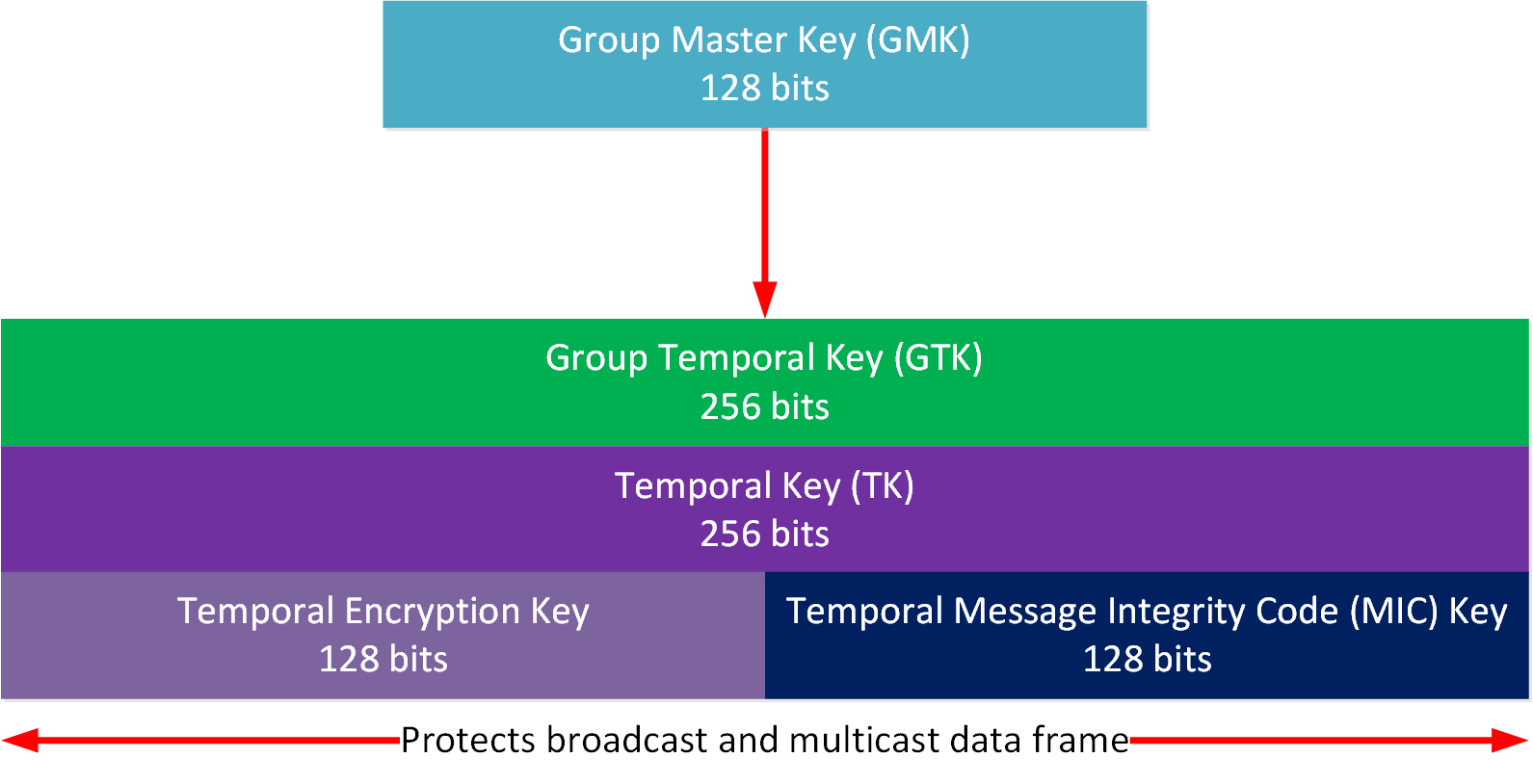
- The GTK (Message 3): The router calculates the same PTK. If the MIC matches, it knows the client has the correct password. It then sends the Group Temporal Key (GTK), which is used to encrypt multicast and broadcast traffic.
- The ACK (Message 4): The client sends a final confirmation (Acknowledgment) that the keys are installed.
This mechanism is elegant because the password itself is never sent. However, because the ANonce, SNonce, and MAC addresses are all sent in the clear, an attacker capturing these four packets has all the "ingredients" to try and guess the password offline.
Why "PSK" Matters for Home Users
For the average user in 2026, WPA2-PSK is the "set it and forget it" security level. Most smart home devices (IoT), such as older smart bulbs, cameras, and printers, only support WPA2-PSK. If you upgrade your router to "WPA3-Only," these devices will likely stop working.
This creates a dilemma: security vs. compatibility. The solution for most users is WPA3/WPA2 Mixed Mode (Transition Mode). This allows modern smartphones and laptops to use the more secure WPA3-SAE protocol while allowing older IoT devices to fall back to WPA2-PSK. However, be aware that as long as WPA2-PSK is active on a network, the network remains susceptible to the vulnerabilities inherent in the 4-way handshake, such as deauthentication and offline cracking.
Troubleshooting Common WPA2-PSK Issues
If you encounter issues with a WPA2-PSK network, the cause is usually related to one of three factors:
- Authentication Errors: This is most often a simple typo, but it can also be caused by a mismatch in the encryption type. If your router is set to "AES Only" and your device is trying to use "TKIP," the authentication will fail.
- IP Address Exhaustion: While not a security issue, many users confuse "Failure to obtain IP address" with a password error. Ensure your DHCP server has a large enough pool for all your devices.
- Interference and Deauthentication: If a device repeatedly asks for the password even though it was previously saved, you might be the target of a deauthentication attack or experiencing severe signal interference that is breaking the 4-way handshake.
Frequently Asked Questions
Is WPA2-PSK still safe in 2026?
WPA2-PSK is considered "adequately safe" for residential use, provided you use a strong, complex passphrase (at least 15+ characters with a mix of types). However, it is no longer the gold standard. For high-security environments or to protect against sophisticated attackers, WPA3-SAE is the preferred choice.
What is the difference between PSK and WPA2-Personal?
They are the same thing. In router settings, "WPA2-Personal" is the user-friendly name for the WPA2-PSK protocol. Both refer to the use of a single pre-shared key for all users on the network.
Does WPA2-PSK slow down my internet?
Generally, no. WPA2-AES is handled by dedicated hardware on your router and devices. However, if you use the older WPA-TKIP setting, your speeds will be capped at 54 Mbps regardless of your actual internet plan speed.
Can I use WPA2-PSK and WPA3 at the same time?
Yes, this is called "Transition Mode." It allows your router to broadcast one SSID that supports both protocols. Newer devices will negotiate a WPA3 connection, while older devices will connect via WPA2. This is the recommended setting for most homes in 2026.
How often should I change my PSK?
From a technical standpoint, you don't need to change it frequently if it is a strong, unique passphrase. However, you should change it immediately if you suspect someone unauthorized has gained access to it, or after a guest who you no longer trust has left your home.
Does WPA2-PSK protect me from hackers on the internet?
No. WPA2-PSK only protects the "air" between your device and your router. It prevents neighbors or people in the street from joining your network or sniffing your local traffic. It does not protect you from malware, phishing, or hackers on the wider internet; for that, you need firewalls, antivirus, and safe browsing habits.
Practical Recommendation
When configuring your wireless network in 2026, the best balance of security and usability is to enable WPA3/WPA2 Transition Mode with AES encryption. Avoid "Mixed Mode" options that include TKIP or original WPA.
Most importantly, treat your Pre-Shared Key like a master password. Use a passphrase that is at least 16 characters long and consists of random words or a combination of letters, numbers, and symbols. If your router supports it, disable WPS (Wi-Fi Protected Setup), as this is a common backdoor that allows attackers to bypass even the strongest WPA2-PSK passwords.