Apple’s smart home strategy centers on three pillars: the universal Matter standard for device interoperability, Apple Intelligence for proactive automation, and a privacy-first architecture. By transitioning from a closed ecosystem to a hardware-agnostic controller while maintaining premium hardware hubs like the HomePad, Apple provides a secure, high-end alternative to data-driven competitors.
For years, Apple’s presence in the smart home was viewed as a secondary pursuit compared to the iPhone or Mac. However, by 2026, the company has fundamentally repositioned its "Home" division. The strategy has shifted from selling a "walled garden" to offering the most sophisticated, private, and user-friendly "command center" for a multi-platform world. This evolution is driven by the realization that while Apple cannot manufacture every light bulb or thermostat, it can provide the intelligence and interface that manages them all.
The Shift Toward Interoperability: Matter and Thread
The cornerstone of Apple’s current strategy is the full embrace of the Matter standard and Thread networking protocol. Historically, the "Works with Apple HomeKit" certification was a barrier for many manufacturers due to stringent hardware encryption requirements. With the maturity of Matter (now in version 1.4 as of 2026), Apple has separated the hardware security layer from the software experience.
Why Matter Changed the Game
By co-founding the Connectivity Standards Alliance (CSA), Apple ensured that its Home app could control devices previously restricted to Amazon Alexa or Google Home ecosystems. This strategic move solved the "inventory problem." Apple users no longer have to hunt for specific HomeKit-compatible versions of smart plugs or sensors.
The Role of Thread
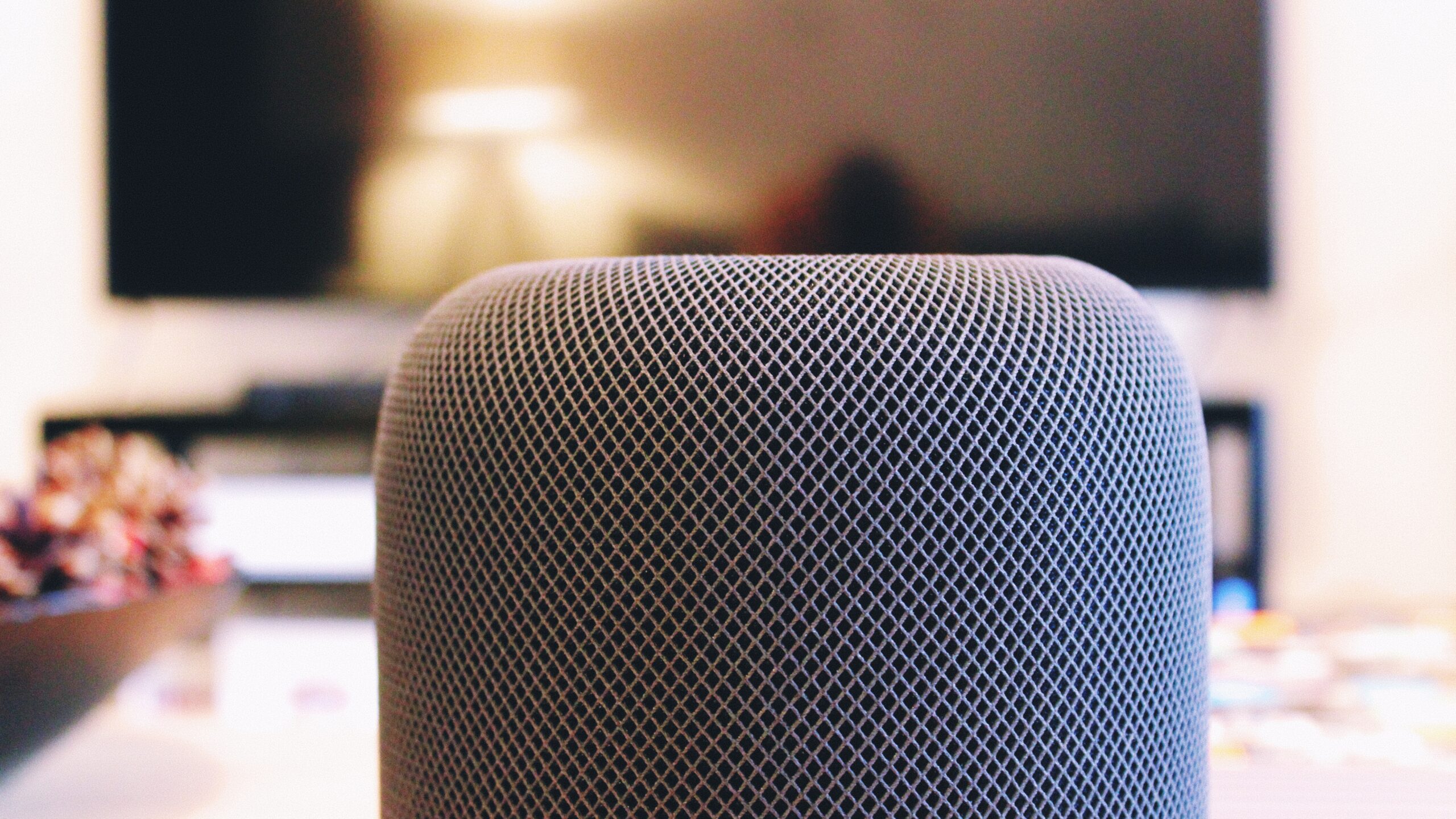
Thread is a low-power, mesh networking protocol that solves the latency and reliability issues of Bluetooth and Wi-Fi. Apple’s strategy has been to embed Thread Border Routers into almost every plugged-in device they sell. In 2026, this includes the Apple TV 4K, HomePod (3rd Gen), and the latest iMacs. This creates a "self-healing" network in the home; if one hub goes offline, another takes over instantly, ensuring that automations never fail.
Apple Intelligence: The Neural Engine of the Home
The most significant development in Apple’s 2026 strategy is the integration of Apple Intelligence. Previous versions of Siri were often criticized for being reactive and limited. The current iteration uses on-device large language models (LLMs) to transform the smart home from a collection of "remote-controlled gadgets" into a proactive living environment.
Proactive Automations
Instead of the user manually setting a "Good Night" scene, Apple Intelligence analyzes patterns. It recognizes that if the iPhone is plugged in after 10:00 PM, the security system is armed, and the temperature is adjusted, it should automatically dim the lights and lock the front door without a voice command. This "invisible" technology is the primary differentiator against competitors who still rely heavily on manual routines.
Natural Language Processing (NLP)
Siri now understands context and follow-up commands. A user can say, "Siri, it’s too bright in here," and the system will intelligently decide whether to lower the smart blinds or dim the overhead lights based on the time of day and current light sensor readings. This move away from rigid syntax ("Turn on the Living Room Light 1") makes the technology accessible to non-technical users, broadening Apple's target audience to include older demographics and families.
Hardware Evolution: The HomePad and Beyond
Apple’s hardware strategy for the smart home in 2026 is no longer just about speakers. While the HomePod remains a staple for high-fidelity audio, the introduction of dedicated home displays—widely referred to as the HomePad—has filled a critical gap in their lineup.
The Dedicated Home Display (HomePad)
The HomePad serves as a stationary kitchen or entryway hub. Unlike an iPad, it is designed for multi-user access and is "always on." Its strategy is to act as a digital bulletin board, a FaceTime station, and a high-end control panel. By using a specialized version of "homeOS," it prioritizes large, touch-friendly widgets for smart home control and a shared family calendar.
Apple TV as the Central Hub
The Apple TV 4K remains the "brain" of the high-end smart home. Because it is a hardwired device with a powerful A-series chip, it handles the heavy lifting for HomeKit Secure Video (HKSV). Apple’s strategy here is to leverage existing hardware to provide value-added services. By processing video feeds locally on the Apple TV rather than in the cloud, Apple maintains its privacy promise while offering advanced features like facial recognition and package detection.
The Privacy Moat: Secure Video and Local Processing
In an era where data privacy is a primary concern for consumers, Apple has doubled down on its "Privacy-First" marketing. This is not just a brand position; it is a technical architecture that influences their entire product roadmap.
On-Device Processing
Most smart home competitors rely on cloud-based processing for voice commands and video analysis. Apple’s strategy dictates that as much data as possible remains on the local network. When a user asks Siri to "Show the nursery camera," the video stream is encrypted end-to-end. Even Apple cannot see the footage.
HomeKit Secure Video (HKSV)
HKSV is integrated into iCloud+ subscriptions. By 2026, Apple has expanded the storage limits, allowing users to keep 30 days of 4K footage from an unlimited number of cameras (depending on the tier). This creates high ecosystem "stickiness." Once a user has five or ten cameras recorded into their iCloud account, the friction of switching to a different platform becomes significantly higher.
Comparative Analysis: Apple vs. The Competition
To understand Apple's current market position, it is helpful to look at how it compares to the two other major players in the smart home space.
| Feature | Apple Home (2026) | Amazon Alexa | Google Home |
|---|---|---|---|
| Primary Hub | HomePod / Apple TV / HomePad | Echo Show / Fire TV | Nest Hub / Pixel Tablet |
| Connectivity | Matter, Thread, Wi-Fi | Matter, Zigbee, Sidewalk | Matter, Thread, Wi-Fi |
| Privacy Model | On-device, End-to-end encryption | Cloud-based, Data-driven | Cloud-based, Data-driven |
| AI Integration | Apple Intelligence (Local LLM) | Alexa LLM (Cloud-based) | Gemini (Cloud/Hybrid) |
| Ecosystem Cost | High (Premium hardware) | Low to Medium | Medium |
| Ease of Use | High (Deep iOS integration) | Medium (App can be cluttered) | Medium (Strong Search/Maps) |
Implementation Requirements and Costs
Transitioning to a modern Apple-centric smart home in 2026 requires a specific set of prerequisites. While the entry point has lowered due to Matter, the "Gold Standard" experience still carries a premium price tag.
- Core Hub: At least one "always-on" device is required for remote access and automations. An Apple TV 4K (2025/2026 model) or HomePod (3rd Gen) is recommended to act as the Thread Border Router.
- iCloud+ Subscription: While the Home app is free, features like HomeKit Secure Video and advanced automation history require an iCloud+ plan.
- Network Infrastructure: A robust Wi-Fi 6E or Wi-Fi 7 mesh system is essential for high-bandwidth tasks like 4K camera streaming and multi-room audio.
- Matter-Compatible Peripherals: While older HomeKit devices still work, new purchases should ideally be Matter-over-Thread to ensure future-proofing.
Estimated Setup Costs
- Entry Level (One Room): $250 - $400 (HomePod mini + a few Matter bulbs and plugs).
- Whole Home (Advanced): $2,000 - $5,000+ (Apple TV, HomePad, multiple HomePods, HKSV cameras, and smart locks).
Challenges and Operational Limitations
Despite the strategic successes, Apple’s smart home plan faces ongoing hurdles. The primary challenge is the "Apple Tax." While Matter allows a $15 smart plug to work with an iPhone, the best experience is still gated behind expensive Apple-branded hubs.
Furthermore, Third-Party App Quality remains inconsistent. While the Apple Home app is excellent for basic controls, complex devices (like multi-zone irrigation systems or high-end HVAC) often require the manufacturer’s own app for full functionality. Apple’s strategy involves trying to pull more of these "deep settings" into the Home app, but progress is slow as it requires cooperation from competitors.
Finally, Legacy Support is a growing concern. As Apple Intelligence requires newer chips (A17 Pro or M-series), older HomePods and Apple TVs are being relegated to "secondary" status, unable to process the latest natural language commands. This creates a tiered experience within the home that can be frustrating for long-term users.
Frequently Asked Questions
Do I need an Apple TV to use Apple Home?
While you can control devices via the Home app on your iPhone using Wi-Fi, you need a hub (Apple TV or HomePod) to run automations and control your home when you are away. The Apple TV is specifically recommended for those using security cameras, as it provides the most powerful video processing.
Can I use "non-Apple" smart devices?
Yes. Thanks to the Matter standard, you can now use many devices that were previously "Alexa-only" or "Google-only." Look for the Matter logo on the packaging. Once added to the Apple Home app, these devices behave just like native HomeKit accessories.
Is Apple Intelligence available on older HomePods?
Apple Intelligence requires significant neural processing power. While older HomePods can still perform basic Siri tasks (like "Turn on the lights"), the advanced proactive features and natural language understanding are exclusive to newer hardware released from 2025 onwards.
How does Apple's smart home privacy differ from Amazon?
Amazon generally processes voice commands and video analysis in the cloud to improve their AI and target services. Apple performs the majority of this processing locally on your HomePod or Apple TV. Your data is encrypted with keys that only your personal devices hold, meaning Apple cannot access your camera feeds or voice recordings.
Will my old HomeKit devices stop working?
No. Apple has maintained backwards compatibility for the original HomeKit framework. Your existing HomeKit-enabled devices will continue to function alongside newer Matter devices within the same Home app.
Practical Recommendations for 2026
If you are planning to build or upgrade your smart home within the Apple ecosystem, the following steps are recommended:
- Prioritize Thread: When buying new sensors, locks, or lights, ensure they support Matter-over-Thread. This avoids cluttering your Wi-Fi network and provides much faster response times.
- Centralize with Apple TV: If you have a choice of hubs, use a hardwired Apple TV 4K as your primary "Home Hub." The Ethernet connection provides much more stability for the entire Thread mesh than a wireless HomePod.
- Audit Your Privacy: Regularly check the "Home Settings" in your iOS device to see which members of your household have access to cameras and who is allowed to add new accessories.
- Invest in Hubs, Save on Peripherals: Spend your money on high-quality Apple hubs (Apple TV/HomePod) to get the best "Apple Intelligence" features, but feel free to buy budget-friendly Matter-certified bulbs and plugs from third-party manufacturers.
Apple’s strategy for the smart home is no longer about winning the "most devices" war. Instead, it is about winning the "most trusted" war. By positioning the iPhone and HomePad as the ultimate, private interface for a world of Matter-compatible devices, Apple has secured its place as the premium choice for the modern, connected household.