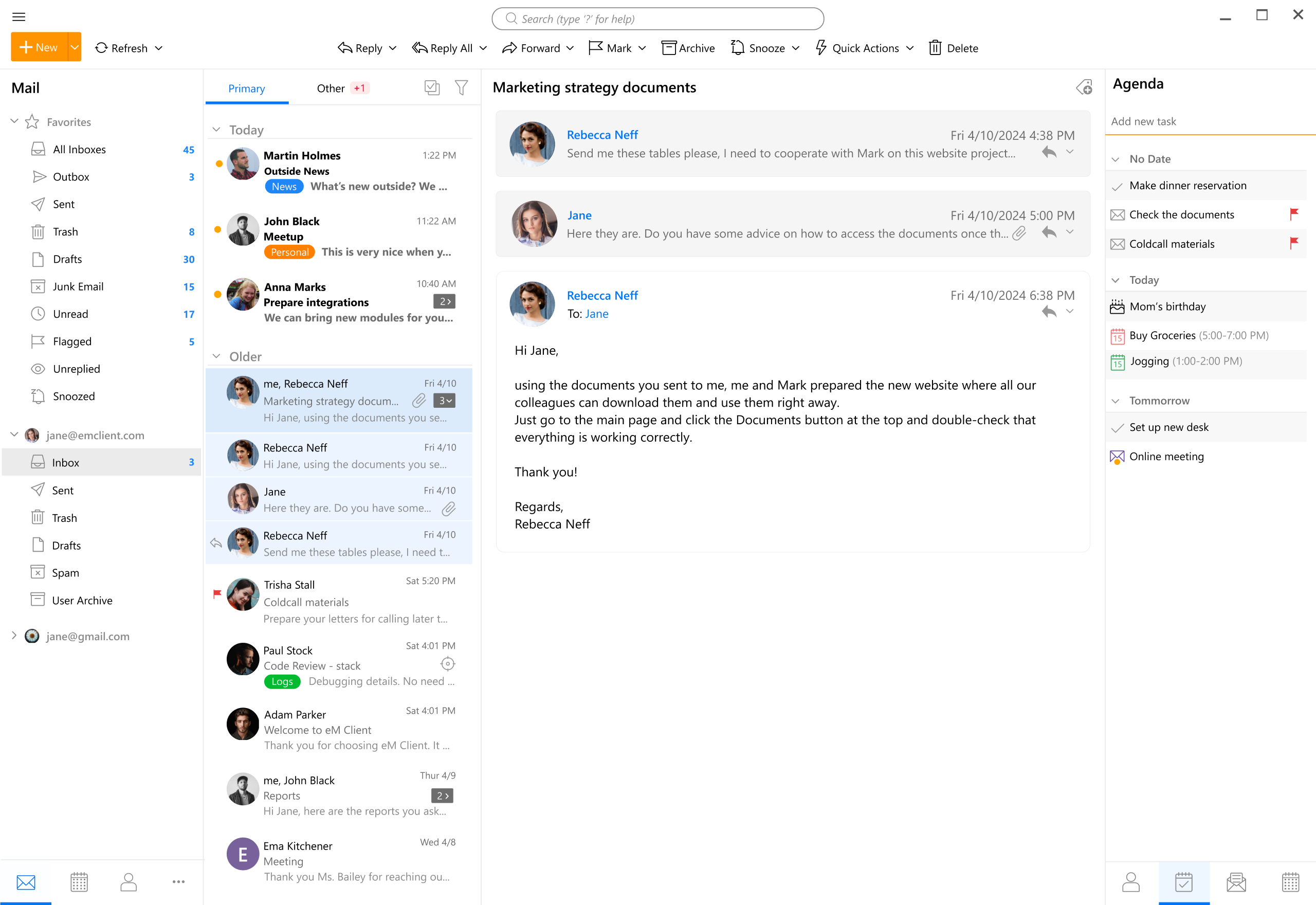
Choosing the right email client for macOS in 2019 meant looking beyond Apple Mail to find applications that offered superior organization, advanced privacy features, superior speed, and deep integration with modern workflows. The top options for Mac users that year included Spark, Postbox, Airmail, Canary Mail, and Microsoft Outlook, each catering to different communication styles and professional requirements.
Introduction to the Mac Email Ecosystem in 2019
While macOS included Apple Mail as a built-in default application, power users, freelancers, and enterprise professionals frequently sought third-party email clients to handle high-volume inboxes, multiple accounts, and complex organizational demands. The year 2019 marked a mature era for Mac software development, characterized by rapid interface redesigns, enhanced privacy compliance, and innovative approaches to sorting digital correspondence.
Selecting an email client involved balancing interface design, security protocols, protocol support (IMAP, POP3, Exchange), and smart features like artificial intelligence-driven sorting or built-in task management. Below is an exhaustive review of the five best email clients available for macOS during that period, breaking down their architecture, standout capabilities, pricing models, and ideal user profiles.
1. Spark (by Readdle)
Spark, developed by Readdle, established itself as one of the premier choices for individual professionals and collaborative teams on macOS. Known for its clean aesthetics and proactive interface design, Spark sought to solve the universal problem of inbox clutter by introducing automated smart sorting.
Core Architecture and Features
Spark automatically categorized incoming messages into distinct sections: Personal, Notifications, and Newsletters. This separation allowed users to focus immediately on direct correspondence from real people while deferring automated updates for later review.
Another defining feature of Spark in 2019 was its robust team collaboration functionality. Teams could discuss emails internally via private comments, draft emails collectively in real-time, and share specific email threads or templates via secure web links. The application supported all major email providers, including Gmail, Yahoo, iCloud, Microsoft Exchange, and standard IMAP accounts.
Performance and User Experience
The application offered fluid performance, leveraging native macOS technologies to ensure rapid search indexing and instantaneous push notifications. Customization was a strong suit; users could configure swipe gestures, customize the sidebar, and choose between multiple snooze and reminder options to manage workflow velocity.
- Pros: Intelligent smart inbox sorting, excellent team collaboration tools, free core version, unified search.
- Cons: Team features required a cloud sync component that raised minor privacy questions for strict enterprise users, lacks deep local-only archival options.
- Pricing: Free tier available with robust individual features; premium tiers introduced in 2019 for advanced team collaboration workspaces.
2. Postbox
Postbox was engineered explicitly for power users who managed multiple accounts, handled heavy email volumes, and required robust organizational control over their correspondence. Often described as the "PowerToys" of email clients for Mac, Postbox traded minimalist aesthetics for dense, highly configurable utility.
Advanced Organization and Productivity Tools
Postbox stood out through its implementation of Topics, Tagging, and advanced filtering. Users could assign color-coded tags and topics to messages, contacts, and domains, enabling granular categorization.
The client also featured powerful "Canned Responses" (template macros with dynamic tokens), extensive search operators, and tabbed browsing within the email client interface, mirroring modern web browsers. Integration with third-party productivity apps like Evernote, Todoist, OmniFocus, and Apple Reminders made it a central hub for task management.
Security and Privacy Focus
Unlike cloud-reliant mobile-first clients, Postbox processed data locally on the user's Mac. It did not route credentials or message content through external proxy servers, making it a preferred choice for legal, financial, and security-conscious professionals who required strict data sovereignty.
- Pros: Exceptional local privacy and security, advanced search and filtering capabilities, deep productivity app integrations, robust tabbed interface.
- Cons: Paid-only software with no free tier, interface can feel cluttered or overwhelming for casual users.
- Pricing: Paid perpetual license model with upgrades for major version releases.
3. Airmail
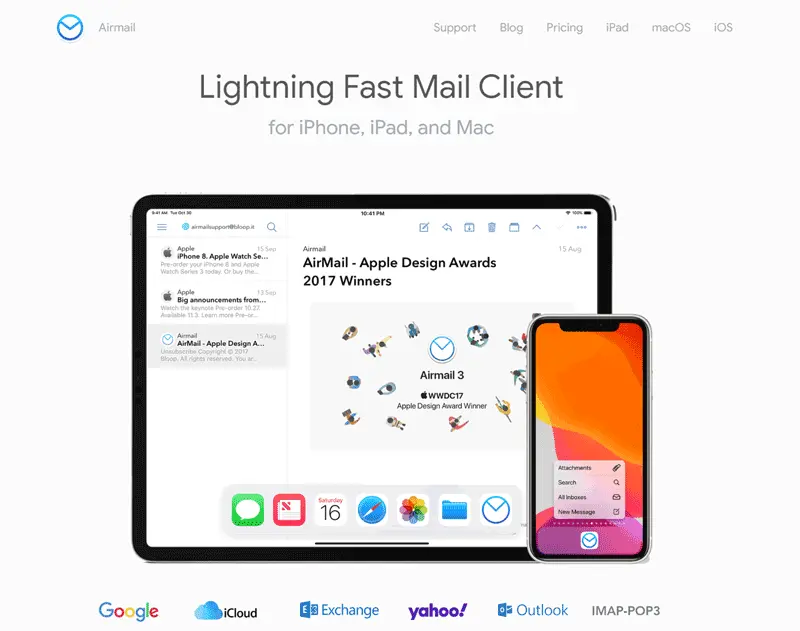
Airmail bridged the gap between modern aesthetic design and deep customization, positioning itself as a high-speed email client tailored specifically for the Apple ecosystem (macOS and iOS). By 2019, Airmail had cultivated a loyal user base due to its extreme flexibility and extensive list of integrations.
Workflow Integration and Actionable Inboxes
Airmail was designed around the "Inbox Zero" philosophy. It treated emails like actionable tasks, allowing users to convert messages directly into to-do items, snooze them for specific times, or pin them for later attention.
The application supported a vast array of third-party extensions and services, including Dropbox, Google Drive, OneDrive, Trello, Asana, and numerous markdown editors. This made it exceptionally easy to route email attachments and action items directly into external project management workflows.
Customization and Interface
Airmail allowed users to customize almost every aspect of the application, from menu bar actions and keyboard shortcuts to custom themes and sound effects. It offered unified inbox views alongside separate account folders, giving users total control over how they consumed their digital correspondence.
- Pros: Deep third-party service integration, highly customizable interface and shortcuts, fast search, native macOS look and feel.
- Cons: Occasional stability issues reported by power users managing massive, multi-gigabyte archives; subscription transitions caused friction among legacy buyers.
- Pricing: Offered via a freemium model with a Pro subscription unlocking advanced features across macOS and iOS devices.
4. Canary Mail
Canary Mail entered the 2019 landscape as a security-focused email client that integrated end-to-end encryption seamlessly into a modern, user-friendly interface. While encryption protocols like PGP were traditionally cumbersome to set up, Canary Mail automated much of the cryptographic overhead.
Security and PGP Encryption
The primary differentiator for Canary Mail was its native, friction-free implementation of PGP (Pretty Good Privacy) encryption. Users could generate encryption keys, verify contacts, and send secure, encrypted messages with a single click, without needing external key-management utilities.
In addition to manual encryption, Canary offered secure read receipts, biometric protection (Touch ID support on compatible Macs), and zero-knowledge architecture for its auxiliary cloud features.
Smart Features and Usability
Despite its heavy emphasis on security, Canary Mail did not sacrifice modern convenience. It featured a streamlined, attractive UI, smart categorization to separate important mail from promotional clutter, natural language search, and template management.
- Pros: Built-in seamless PGP encryption, modern and clean user interface, Touch ID integration, natural language search.
- Cons: Higher price point compared to standard clients, niche appeal for users who do not require heavy cryptographic security.
- Pricing: Paid application purchased directly via the Mac App Store.
5. Microsoft Outlook for Mac
Microsoft Outlook remained the undisputed heavyweight for corporate environments, enterprise ecosystems, and users deeply embedded in the Office 365 or Exchange infrastructure. In 2019, Microsoft continued refining its dedicated Mac client to align more closely with native macOS design principles while maintaining robust enterprise-grade capabilities.
Enterprise Integration and Calendar Management
Outlook’s greatest strength in 2019 was its comprehensive calendar, contact, and task management engine. For users operating within Microsoft Exchange, Office 365, or hybrid corporate networks, Outlook provided flawless synchronization of meeting rooms, shared calendars, global address lists, and organizational hierarchies.
The "Focused Inbox" feature successfully separated priority messages from low-priority clutter, while Office Add-ins enabled users to interact with tools like Zoom, Webex, and Trello directly inside the reading pane.
Performance and Architecture
Microsoft rebuilt core components of Outlook for Mac leading up to 2019, transitioning to a modern synchronization engine that significantly improved search speed, account stability, and memory efficiency compared to older legacy versions.
- Pros: Unmatched Microsoft Exchange and Office 365 integration, powerful calendar and scheduling tools, enterprise-grade security and compliance features.
- Cons: Heavy resource consumption, overkill for individuals or freelancers who do not use corporate Exchange servers.
- Pricing: Available via standalone purchase, Office 365 subscription, or standalone Microsoft 365 plans.
Comparison of Mac Email Clients (2019)
| Client Name | Primary Focus | Best For | Security & Privacy | Pricing Model |
|---|---|---|---|---|
| Spark | Smart sorting & collaboration | Teams and general professionals | Standard cloud sync | Free tier / Paid team tier |
| Postbox | Power-user organization | Heavy users with multiple accounts | Local data processing | Paid perpetual license |
| Airmail | Workflow & service integrations | Productivity enthusiasts & "Inbox Zero" fans | Standard protocol security | Freemium / Pro subscription |
| Canary Mail | Cryptographic security | Privacy-conscious individuals | Native PGP & Touch ID | Paid application |
| Microsoft Outlook | Enterprise infrastructure | Corporate environments & Exchange users | Enterprise-grade compliance | Office 365 / Subscription |
Frequently Asked Questions
Which Mac email client in 2019 was best for battery life and system performance?
Apple Mail historically offered the lowest resource overhead because it was natively built into macOS. However, among third-party clients, Spark and Airmail delivered optimized performance with minimal battery drain, whereas Microsoft Outlook and Postbox consumed more memory due to their extensive indexing and enterprise feature sets.
Did these third-party email clients support Gmail and Google Workspace accounts?
Yes, all five clients—Spark, Postbox, Airmail, Canary Mail, and Microsoft Outlook—fully supported standard Gmail and Google Workspace accounts via secure OAuth authentication and IMAP protocols.
Was Postbox safe for handling sensitive corporate emails?
Postbox stored all emails, indexes, and user credentials locally on the Mac's hard drive rather than routing data through external cloud servers. This local-storage architecture made it exceptionally secure for handling confidential information, provided the host Mac was adequately encrypted with FileVault.
Can I use multiple email accounts simultaneously in these clients?
All reviewed clients supported unified inboxes and multi-account management. Postbox and Outlook excelled particularly well when handling dozens of disparate IMAP or Exchange accounts simultaneously within a single workspace.
Final Recommendation
Choosing the right email client on macOS depends entirely on your specific workflow demands. If you manage multiple accounts and value strict local privacy, Postbox remains the premier choice. For users who prioritize team collaboration and clean automated sorting, Spark offers an exceptional balance. Enterprise professionals tethered to Microsoft Exchange will find Outlook indispensable, while privacy advocates requiring robust encryption should look closely at Canary Mail. Assess your daily volume, security requirements, and integration needs to select the tool that best optimizes your digital communication.