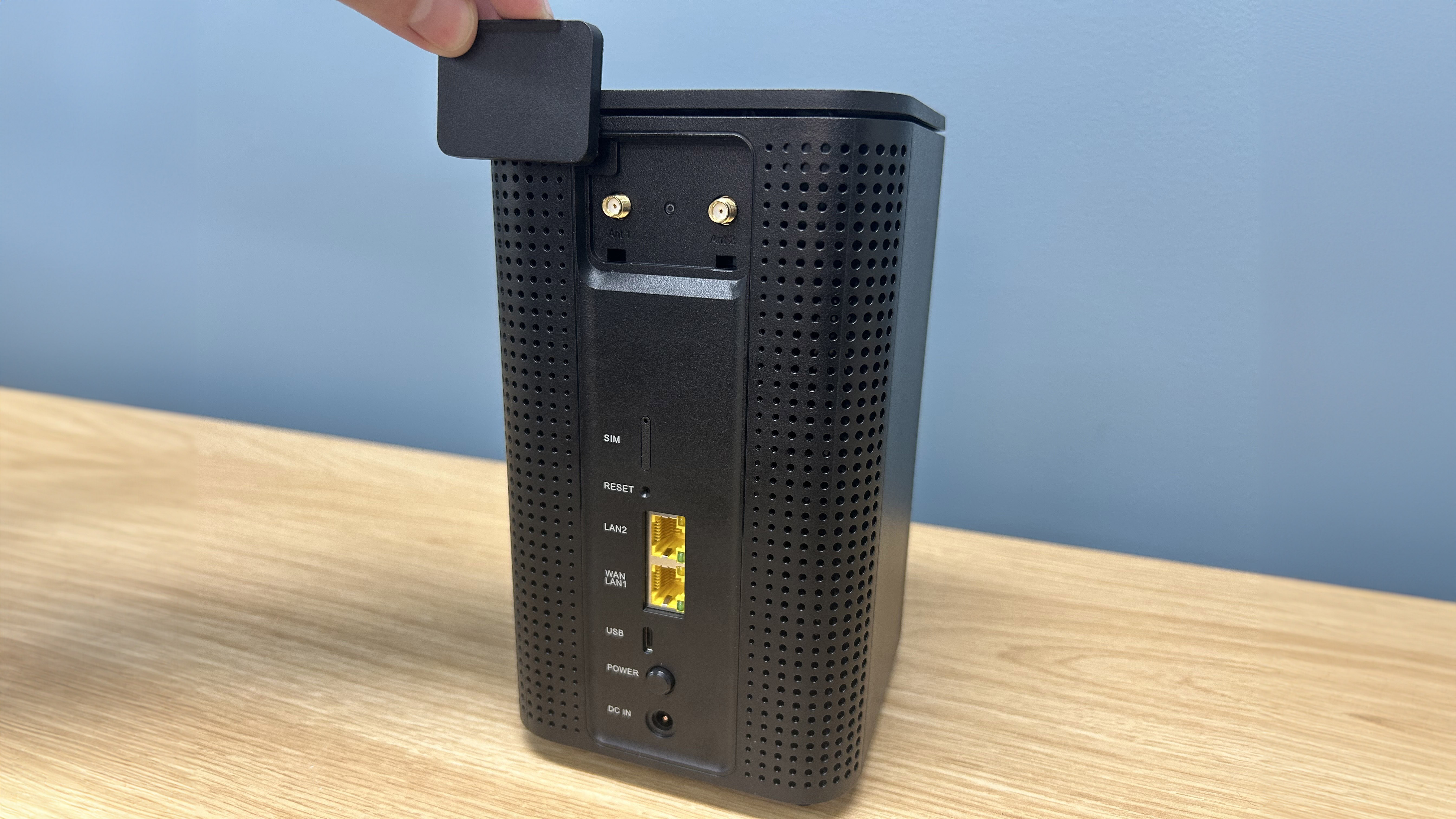
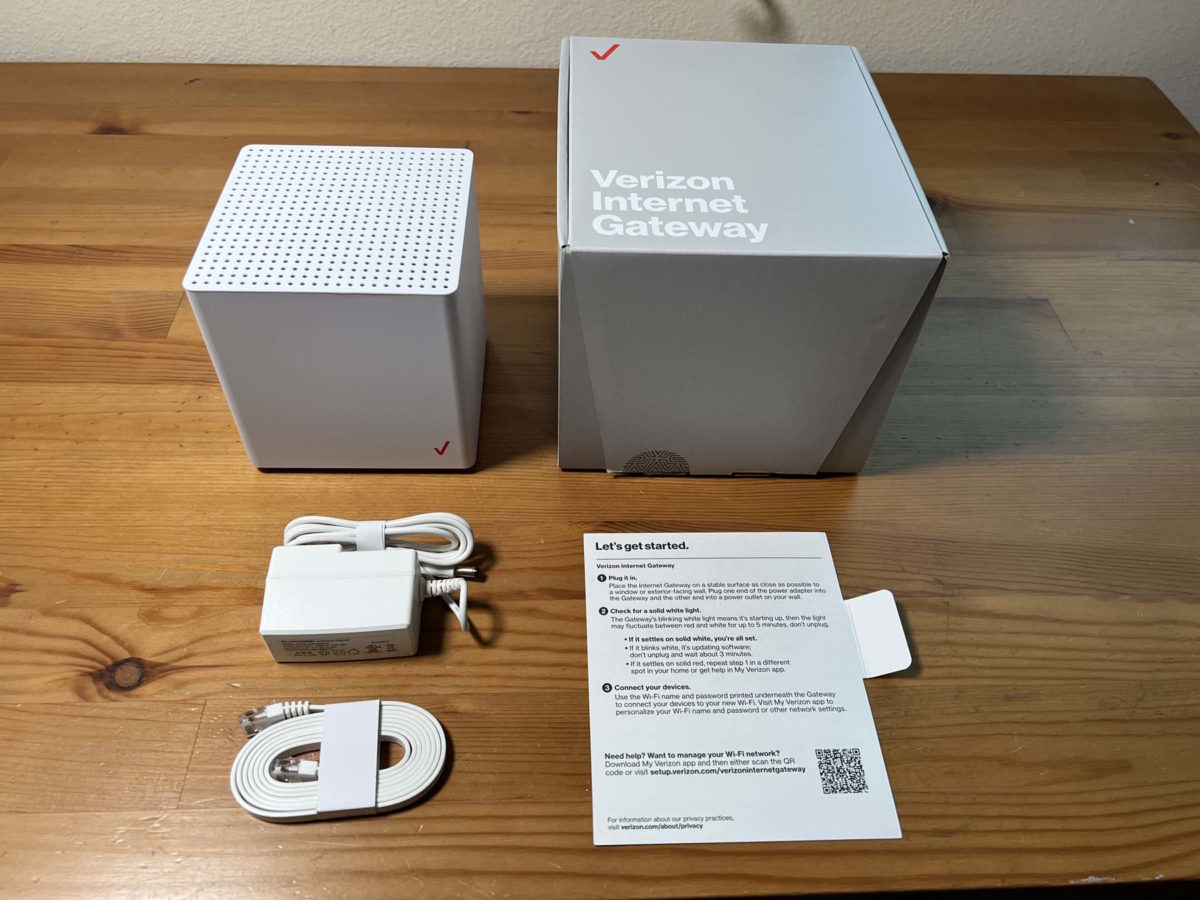
Verizon’s fixed wireless access offering, commonly known as 5G Home Internet, leverages the carrier's expanding Ultra Wideband network to deliver broadband connectivity directly to residential addresses. Designed as an alternative to traditional cable, fiber, and digital subscriber line (DSL) infrastructure, the service utilizes high-frequency millimeter-wave (mmWave) spectrum and C-band frequencies to beam high-speed data to a compact indoor or outdoor receiver, which then broadcasts Wi-Fi throughout the household via an included gateway router.
Understanding the Technology Behind Verizon Home Internet
To comprehend how Verizon's at-home 5G service functions, one must examine the underlying mechanics of fixed wireless access (FWA). Unlike traditional wired broadband that relies on physical copper or fiber-optic cables running directly into a home, FWA transmits data wirelessly through the air from a nearby cellular base station to a dedicated receiver located inside or outside the customer's residence.
The service primarily operates on two distinct bands within Verizon’s spectrum portfolio:
- C-Band Spectrum: This mid-band spectrum forms the backbone of Verizon's nationwide 5G footprint expansion. It provides a balanced combination of high data throughput and robust building penetration, making it the primary delivery mechanism for the majority of residential subscribers.
- Millimeter-Wave (mmWave) Spectrum: Deployed primarily in dense urban environments and select high-capacity venues, mmWave delivers exceptionally high speeds—often rivaling or exceeding multi-gigabit fiber connections. However, its signals possess a very short range and are easily obstructed by physical barriers like walls, dense foliage, and glass.
By strategically routing traffic through these spectrum layers, Verizon can deliver consistent residential broadband without requiring extensive last-mile trenching or neighborhood utility construction. The gateway unit automatically selects the optimal signal path to ensure stable throughput for connected devices.
Availability, Eligibility, and Address Verification
Unlike traditional cable internet, which is often universally available across an entire municipal footprint, 5G Home Internet availability is strictly determined by local network capacity and tower proximity. Because a single cellular sector has a finite data capacity, Verizon restricts sign-ups in areas where adding more fixed wireless users could degrade performance for existing mobile and home internet customers.
Verifying eligibility requires checking specific street addresses through the Verizon availability portal or sales channels. When a user enters their address, the system cross-references geographical coordinates with real-time network load data, tower elevation, and physical obstructions.
Availability generally falls into three operational tiers:
- 5G Home: Powered by standard C-band and low-band frequencies, offering reliable speeds suitable for standard streaming, remote work, and multi-device households.
- 5G Home Plus: Offers access to the same network footprint but bundles enhanced features, higher tier equipment guarantees, or promotional perks.
- 5G Ultra Wideband Home Internet: Specifically designates areas covered by high-capacity mmWave infrastructure, unlocking peak theoretical download speeds for eligible properties with direct line-of-sight to a small cell site.
Installation Procedures and Equipment Setup
One of the primary selling points of Verizon's residential 5G service is the self-installation model. Rather than waiting for a technician appointment, customers typically receive a self-contained kit shipped directly to their home.
| Equipment Component | Primary Function | Installation Requirement |
|---|---|---|
| Verizon Receiver/Gateway | Receives cellular 5G signals and broadcasts local Wi-Fi. | Placed near a window with optimal signal reception. |
| Power Supply Unit | Supplies stable electrical current to the gateway device. | Plugged into a standard surge-protected wall outlet. |
| Smartphone Companion App | Guides signal alignment and network configuration. | Downloaded on iOS or Android during setup. |
The setup process involves downloading the My Verizon app or the dedicated setup application, which uses augmented reality and signal-strength indicators to help the user locate the ideal placement for the gateway. Because building materials like brick, concrete, and energy-efficient Low-E glass can attenuate 5G signals, placing the unit on a windowsill facing the nearest cell tower is critical for achieving maximum performance.
Once powered on, the gateway establishes a secure connection to the cellular network, downloads necessary firmware updates, and broadcasts a default Wi-Fi network name (SSID) and password, which can later be customized through the management interface.
Performance Metrics, Speed Tiers, and Data Caps
Performance characteristics for Verizon 5G Home Internet vary based on geographical location, local tower congestion, and signal propagation parameters. However, evaluating real-world metrics establishes clear expectations for prospective subscribers.
- Download Speeds: Typically range from 85 Mbps to over 300 Mbps on standard C-band connections, while mmWave-connected locations can experience speeds ranging from 300 Mbps to 1,000 Mbps (1 Gbps) under optimal conditions.
- Upload Speeds: Generally fall between 10 Mbps and 25 Mbps for C-band connections, which is sufficient for video conferencing, cloud backups, and standard remote work applications.
- Latency: Fixed wireless latency typically measures between 20 milliseconds and 50 milliseconds. While slightly higher than dedicated fiber-optic connections, this latency level is more than adequate for real-time applications, online gaming, and VoIP communication.
- Data Allowances: Verizon imposes no hard data caps or throttling limits on its 5G Home Internet plans, allowing households to stream, download, and game without incurring overage fees or bandwidth restrictions.
Pricing Structures, Contracts, and Autopay Discounts
Pricing models for Verizon 5G Home Internet are designed to compete directly with incumbent cable providers, often featuring aggressive introductory rates and bundled discounts for existing mobile customers.
- Standalone Pricing: Standard monthly rates apply when purchasing the service independently, though prices vary depending on whether the customer selects the standard tier or the Plus tier.
- Mobile Customer Discounts: Significant monthly discounts are frequently available for customers who bundle their home internet service with qualifying unlimited postpaid mobile phone lines.
- Autopay and Paperless Billing Requirements: To secure the lowest advertised monthly rate, subscribers are typically required to enroll in automatic monthly payments using a bank account or debit card, combined with paperless billing.
- Contract Terms: Verizon does not require long-term annual service contracts for its home internet offerings, operating instead on a month-to-month billing model with no early termination fees. Furthermore, equipment is provided for use without hidden monthly rental fees.
Troubleshooting Common Connection and Signal Issues
While fixed wireless internet offers streamlined setup and deployment, users may occasionally encounter operational hurdles related to signal interference, hardware placement, or network congestion. Understanding structured troubleshooting steps helps resolve most common performance dips.
- Assess Signal Metrics via the App: Open the companion setup application to check real-time signal strength indicators (RSRP and SINR metrics) to determine if environmental factors are degrading the connection.
- Relocate the Gateway Unit: Move the device to a different window, preferably on an upper floor facing the direction of the nearest verified Verizon cell tower, ensuring it remains away from large metal appliances or thick concrete pillars.
- Perform a Power Cycle: Unplug the power adapter from the gateway, wait approximately 30 seconds to allow internal capacitors to drain completely, and reconnect the power source to clear temporary memory caches.
- Verify Local Network Outages: Check local network status through the Verizon support portal or app to confirm whether temporary maintenance or tower upgrades are affecting regional connectivity.
- Evaluate Wi-Fi Interference: If download speeds are optimal at the gateway but sluggish on remote devices, adjust Wi-Fi channels or switch between the 2.4 GHz and 5 GHz bands to minimize household radio frequency congestion.
Frequently Asked Questions
Can I move my Verizon 5G Home Internet gateway to a different address?
No, the service is tied to the specific service address approved during registration. The network configuration associates the gateway's hardware identifier with a specific cellular sector and geographic cell site. Moving the device to a new location without updating the address on file with Verizon will result in a loss of service or connection failure due to geofencing restrictions.
Is Verizon 5G Home Internet fast enough for competitive online gaming?
Yes, for the vast majority of users. While fiber-optic connections offer lower latency, Verizon's 5G latency (typically 20–50 ms) and high download speeds support smooth online gaming. However, because wireless signals can be influenced by environmental factors, wired Ethernet connections from the gateway to the gaming console are recommended for maximum stability.
What happens if I exceed my monthly data usage?
There are no data caps or throttling thresholds associated with Verizon 5G Home Internet plans. Subscribers can consume as much data as required for streaming 4K video, downloading large software updates, and remote work without worrying about extra charges or degraded speeds.
Do I need a professional technician to install the equipment?
In most cases, no. The service is engineered for self-installation using the included gateway, power supply, and smartphone app. However, if an exterior antenna is required in marginal coverage zones, Verizon may dispatch a technician to handle the outdoor hardware mounting process.
How does Verizon 5G Home Internet compare to traditional cable internet?
Unlike cable internet, which relies on physical coaxial lines shared across a neighborhood hub (potentially slowing down during peak evening hours), Verizon 5G Home Internet uses dedicated fixed wireless spectrum assigned to your gateway. It also features no annual contracts, no equipment rental fees, and faster, easier deployment.
Conclusion and Final Recommendations
Verizon 5G Home Internet provides a competitive, contract-free broadband alternative for households seeking high-speed connectivity without the hassle of traditional wired infrastructure installation. By evaluating local coverage eligibility, optimizing gateway placement near windows facing cell towers, and leveraging available mobile bundle discounts, subscribers can secure reliable performance suitable for modern digital demands. Prospective users should verify exact address availability and review local performance tiers to determine the best fit for their home network requirements.